
Templates you can try before you build
By The Craftkite team ·
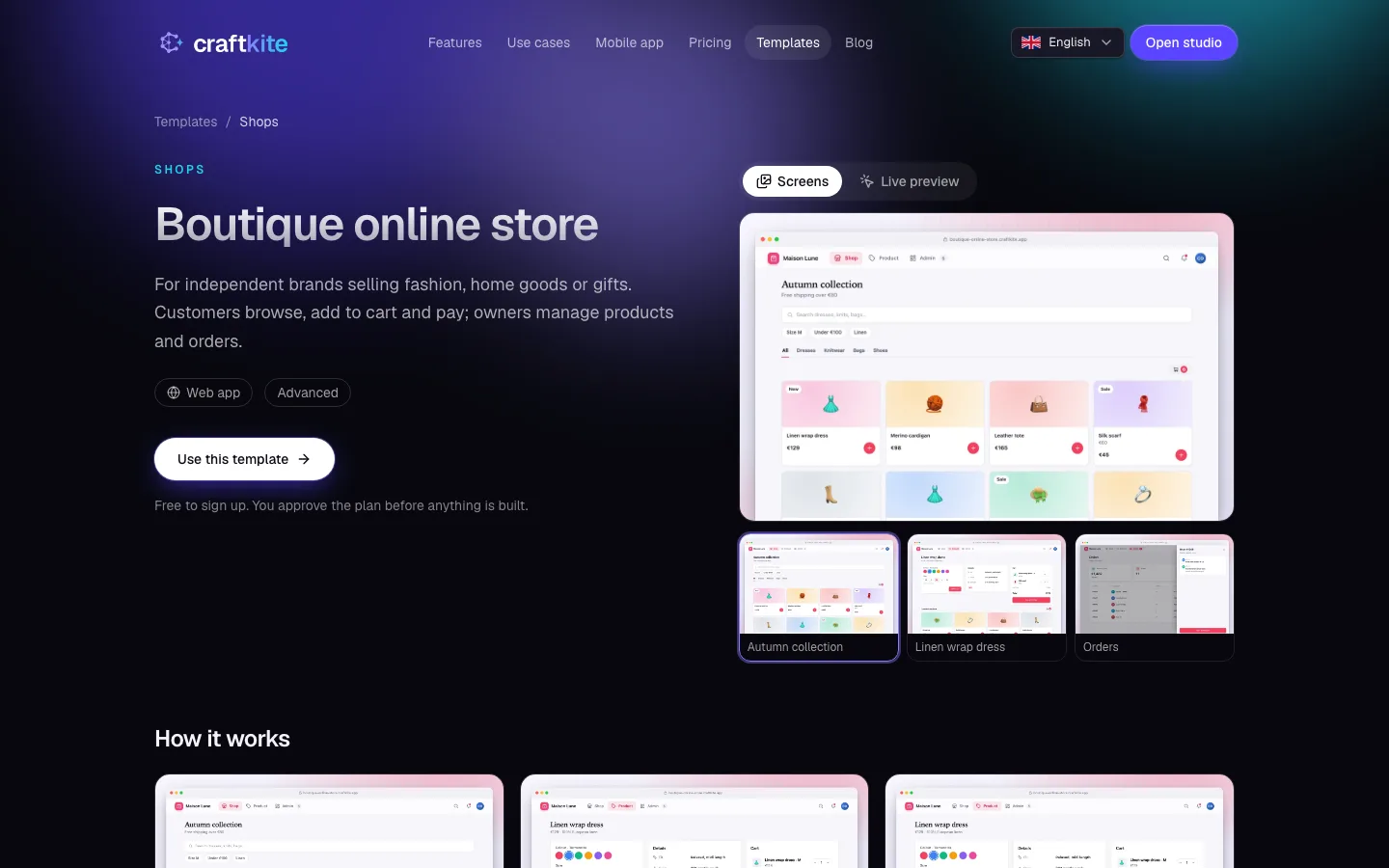
Starting from a blank page is hard. Starting from something that already works is easier, and that is what templates are for. The template gallery covers eleven categories, from productivity and dashboards to shops, education and games.
See it before you start
Every template page shows what you get: its screens, its features and how it works, step by step. Switch to Live preview to click through an interactive demo with sample data. Nothing you do there is saved, so try everything.
Know the cost up front
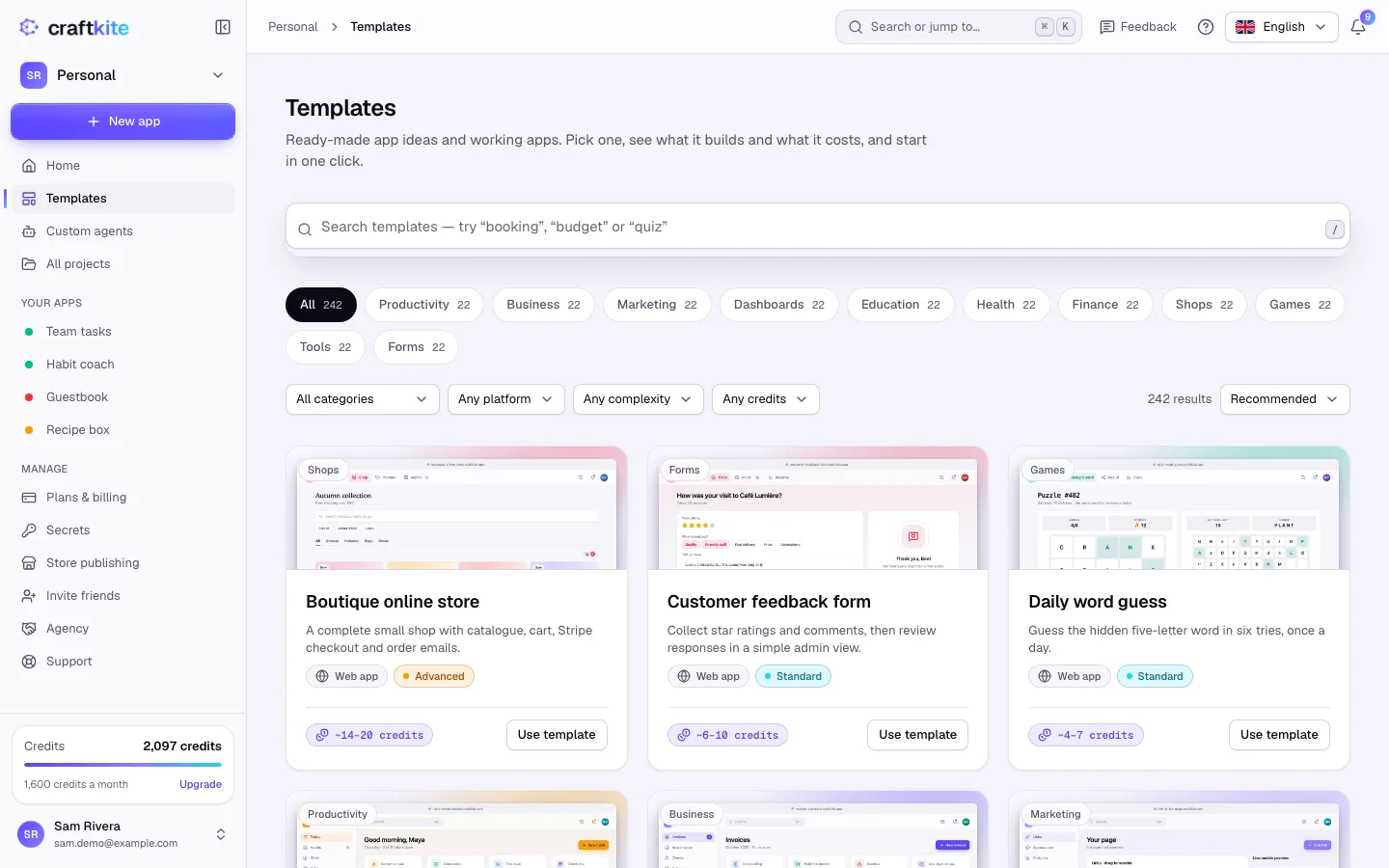
Templates that the agent builds from a prompt show the typical credits of the first build on their card, for example “~6–10 credits”. As with any request, you approve the plan before anything is built, credits are held only while it builds and the unused part is returned. Templates marked Free copy a working app into a new project and use no credits to start.
Find the right one
In the studio, open Templates to search (“booking”, “budget”, “quiz”), filter by platform, complexity and credits, and sort by what is recommended, most used, newest or cheapest. When you tell us what you want to build in the welcome questions, the home screen suggests templates that fit.
Make it yours
A template is a starting point. After the first build, change it like any other app: ask in the chat, edit visually or change the code. You can also share your own app as a community template; an administrator reviews it before it appears in the gallery.