
Start from a template
Pick a ready-made app in the template gallery, see its screens and live preview, and start in one click.
Updated October 12, 2026
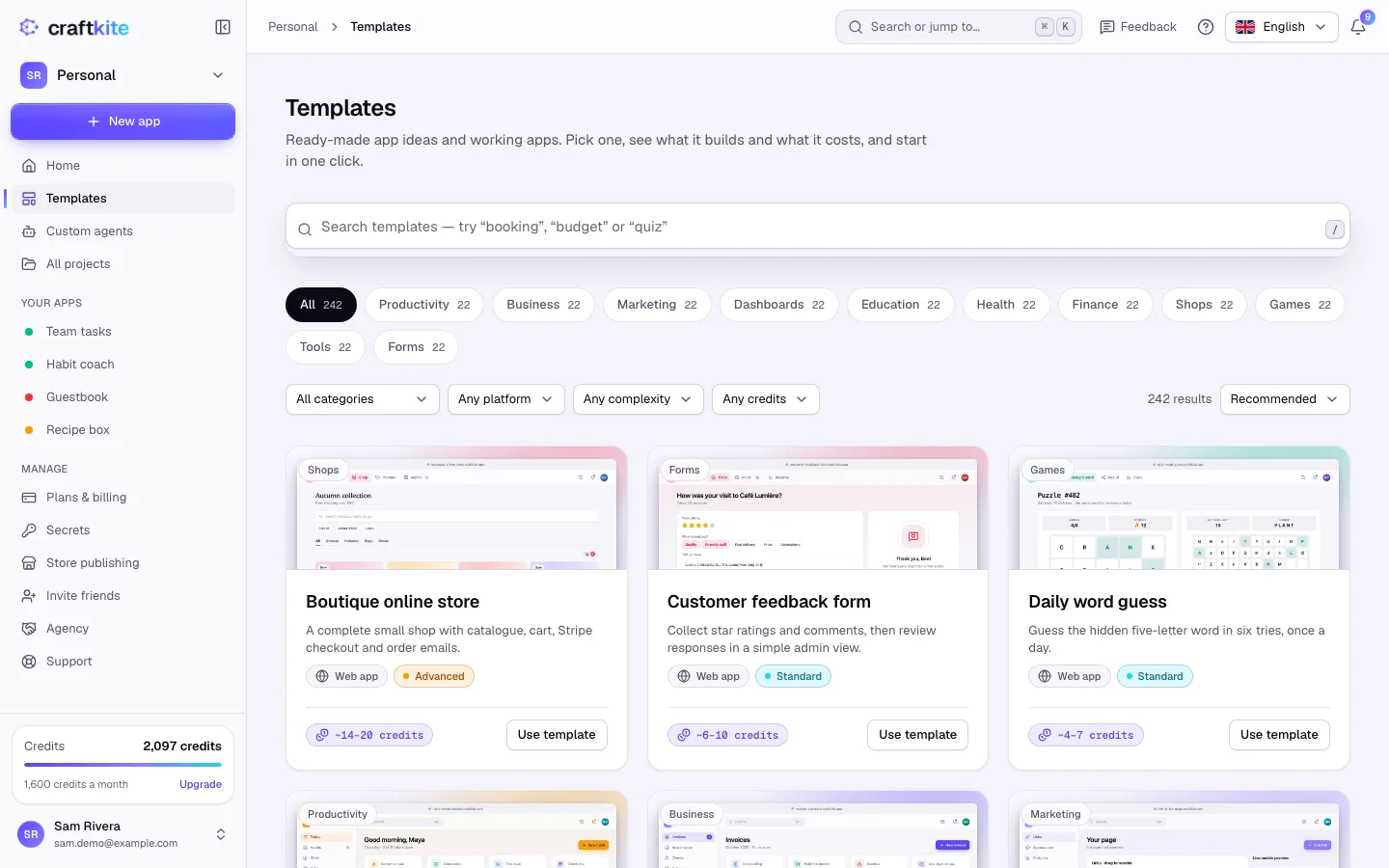
Templates are app ideas and working apps you can start from and then change to fit. Open Templates in the studio’s side menu.
Steps
- Search (try “booking”, “budget” or “quiz”) or pick a category such as Productivity, Business or Shops.
- Narrow the list with the filters: platform, complexity and credits. Sort by recommended, most used, newest or fewest credits.
- Open a template to see What you get, the screens, the credits and the prompt the agent receives.
- Click Use this template. The agent plans the app from the template and you approve the plan as usual.
Live preview
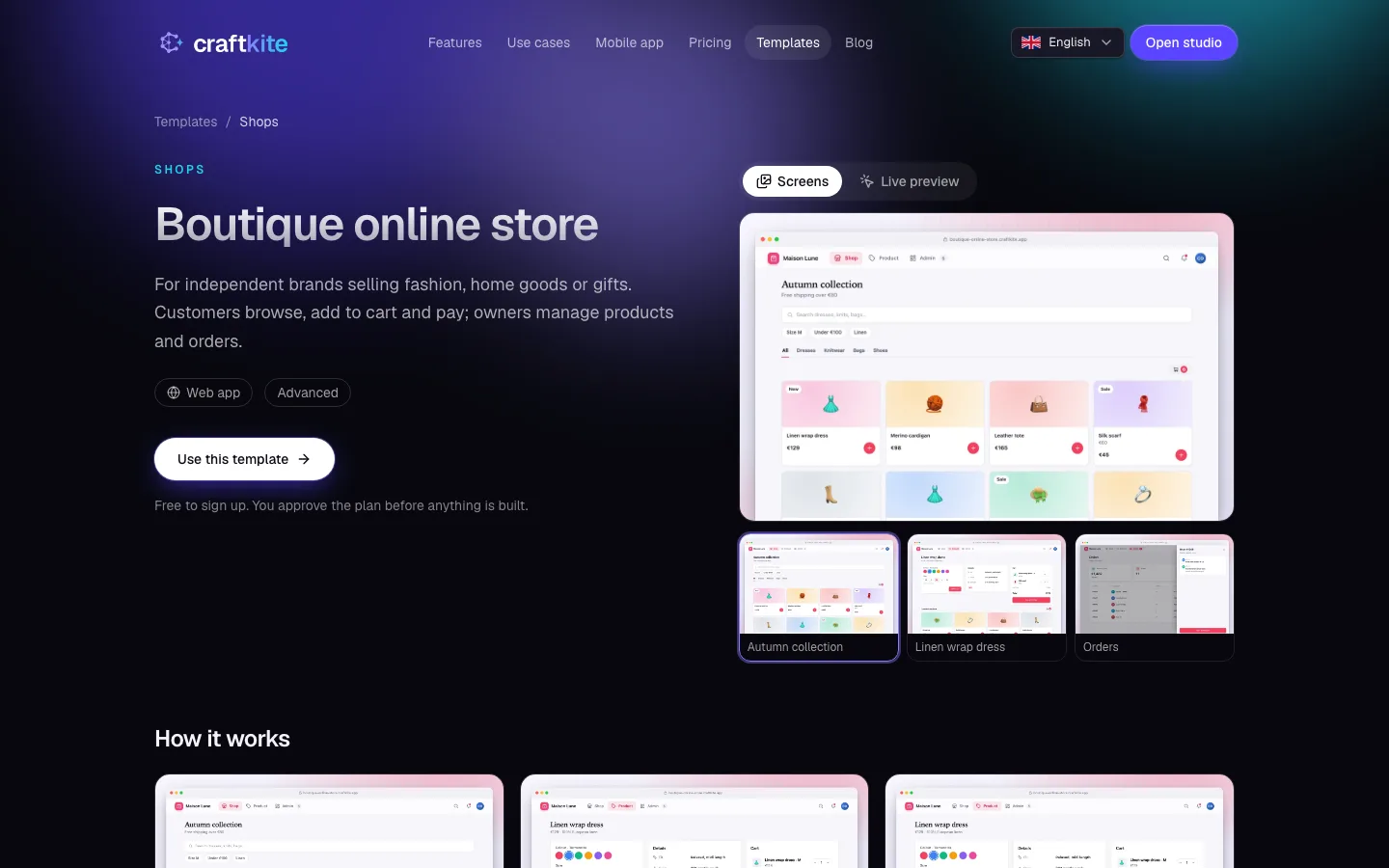
On the website’s template pages, switch between Screens and Live preview. The live preview is an interactive demo with sample data: click around, nothing is saved.
What it costs
- Built from a prompt: the card shows the typical credits of the first build (for example “~6–10 credits”). You approve the plan first, credits are held only while it builds and what is not used is returned.
- Copied working apps (marked Free): the app is copied into a new project and no credits are used to start. Changes you ask for later use credits as usual.
Share your own
From the Versions tab you can Share an app as a community template. An administrator reviews it first; once approved, anyone can remix the current version for free. You can withdraw it at any time under Account → Privacy.