
Use your own domain
Serve a published app on a domain you own, such as app.example.com, verified with two DNS records.
Updated October 12, 2026
On plans that include custom domains (see Pricing) you can serve a published app on your own domain. HTTPS certificates are issued automatically.
Steps
- Publish the app first.
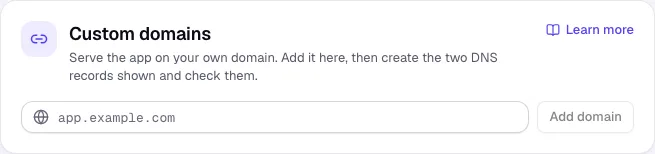
- In the Publish tab, under Custom domains, enter the domain (for example
app.example.com) and click Add domain. - At your domain provider, create the two DNS records shown: a CNAME record that points the domain to Craftkite and a TXT record that proves you own it.
- Click Check DNS. When the domain shows Active, it serves your app.
Good to know
- DNS changes can take from a few minutes to a few hours. If the TXT record is not found yet, wait and click Check DNS again.
- An app can have up to 5 domains, and a domain can be used by one app only.
- Remove detaches a domain; remember to delete its DNS records too.