
Publish your app
Put your app online with one click, update it, roll back and take it offline.
Updated October 12, 2026
Publishing puts the current version of your app online at its own address. Your preview and code stay private; the published app is public to anyone with the link.
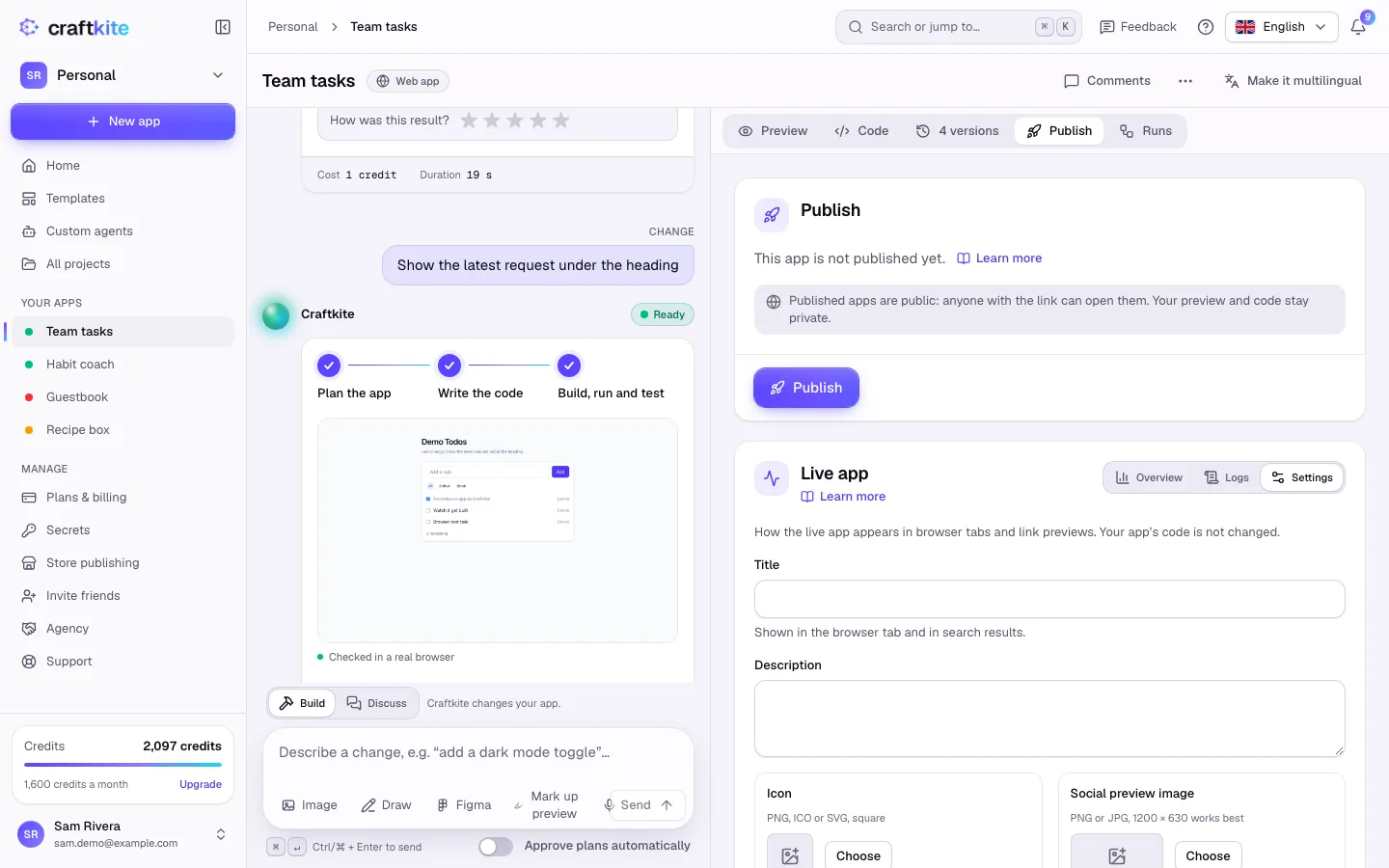
Steps
- Build the app at least once, then open the Publish tab.
- Click Publish. Publishing usually takes under a minute.
- When it shows Live, copy the address with Copy link and share it.
- After further changes, click Publish update to bring the live app up to date.
- Unpublish takes the app offline; the project and its versions stay.
Before it goes live
- Craftkite checks the code for keys written into it. If it finds one, move the key to Secrets and publish again.
- For apps with a database, if the new version would delete data your users created, you see This update would remove live data. Review the changes, then publish anyway (the live data is backed up first) or ask for a change that keeps the data.
Deployments and rollback
Deployments lists every publish. Click Roll back on an earlier one: it is published again and replaces the live app.
Plans
Each plan allows a number of live apps; when you reach it, unpublish another app or upgrade. On the Free plan, published apps show a small “Built with Craftkite” badge; paid plans remove it with the next publish.