Mobile apps
How to build a mobile app for iPhone and Android
Choose Mobile app, describe it and approve the plan. Craftkite builds one app for iOS and Android, previews it in a phone frame and lets you open it on your own phone.
By Craftkite Academy2 min read
A mobile app in Craftkite starts exactly like a website: you describe it and approve a plan. The difference is one choice on the home screen. Craftkite builds the app with React Native, so a single project runs on both iPhone and Android phones.
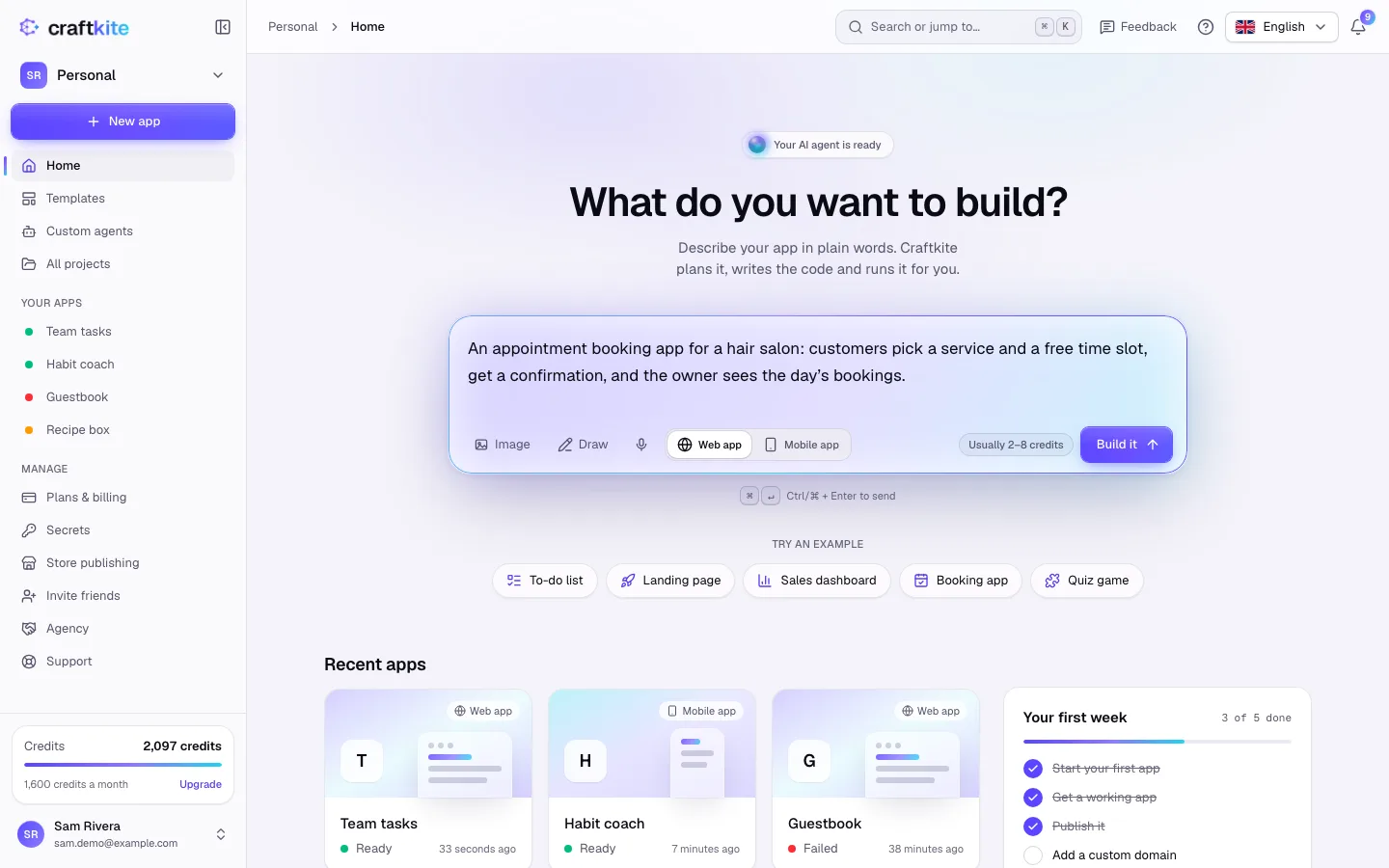
1. Choose Mobile app and describe it
On Home, write what the app does under What do you want to build?: who uses it, the main screens and what people do on each one. Then select Mobile app as the app type. For an app with a website as well, choose Web + mobile: Craftkite builds the web app first, then its mobile version from the same plan, design and backend.
2. Approve the plan
Click Build it. Craftkite writes a plan of the screens, the navigation and the data. Read it under Review the plan, ask for changes if something is missing and click Approve and build.
3. Preview it in a phone frame
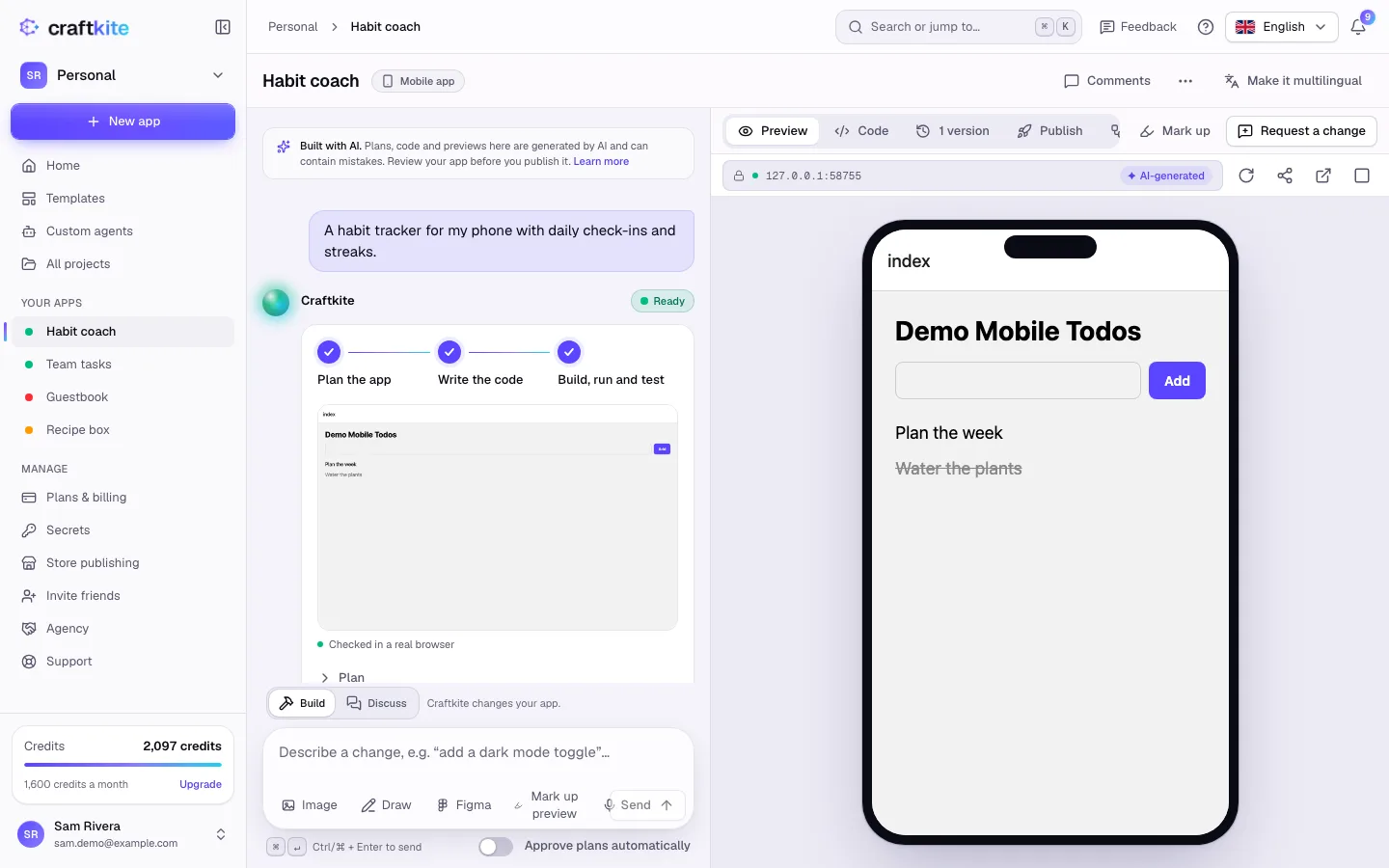
When the task shows Ready, the app runs in a phone-sized frame in the Preview tab. Tap through it and describe changes in the chat, just as with a web app. Every change is saved as a version.
4. Open it on your own phone
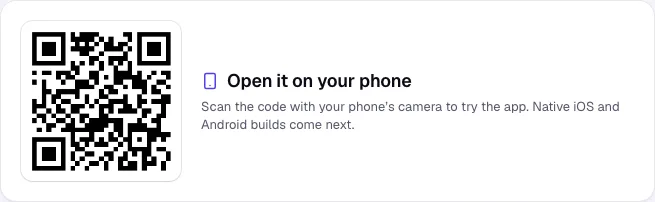
Open the Publish tab and click Publish. Scan the QR code under Open it on your phone with your phone’s camera and the app opens on your device.
5. Release it to the stores
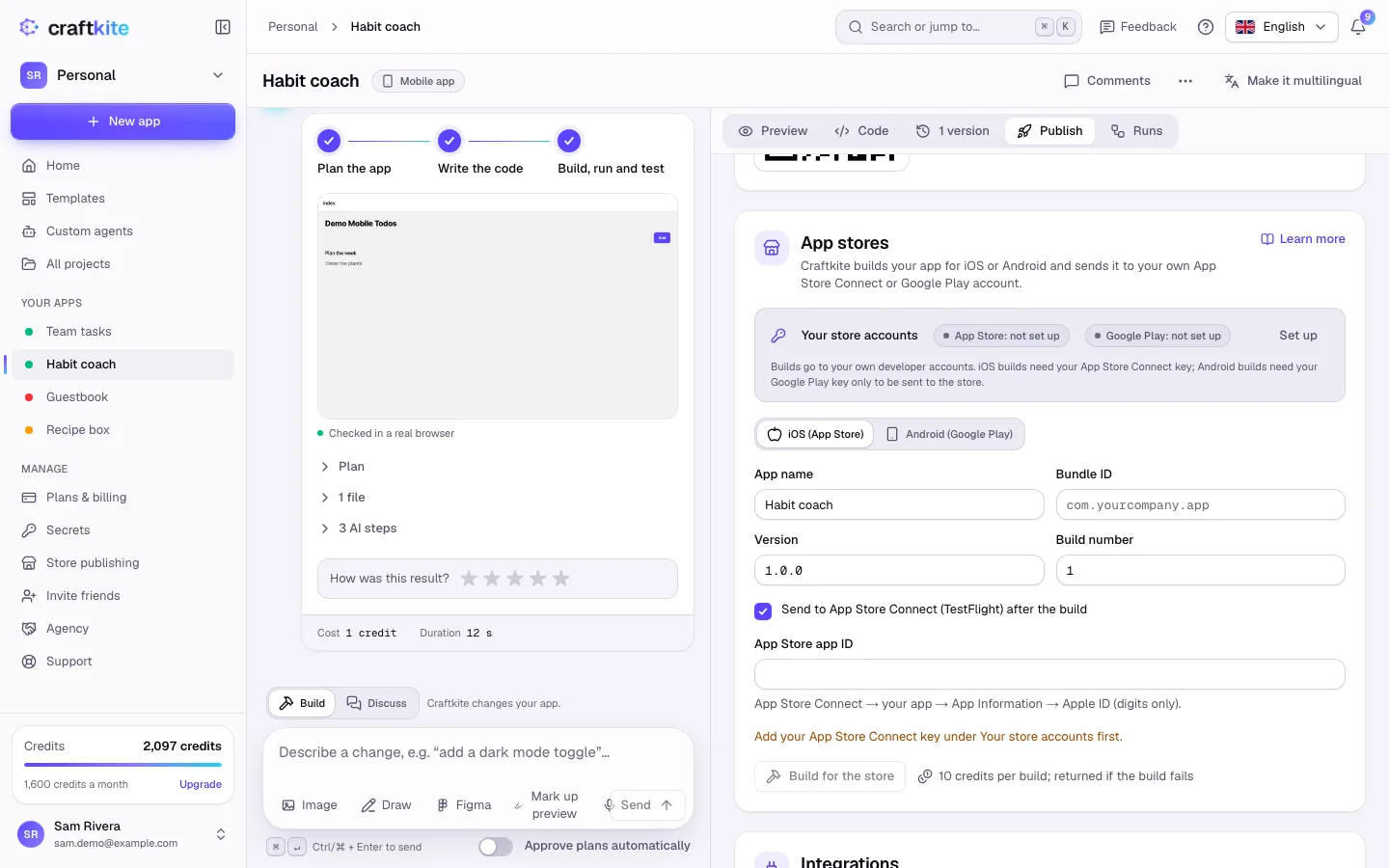
When the app is ready for real users, connect your own App Store Connect and Google Play accounts under Store publishing. Then use App stores in the project’s Publish tab: Craftkite builds the app and sends it to TestFlight or a Google Play track. Your apps are published under your own developer accounts. Each store build uses credits, which are returned if the build fails.
Good to know
- Mobile apps can use a database and sign-in like web apps: ask for accounts, saved data or file uploads and Craftkite adds them.
- Whether store builds are included in your plan, and how many a month, is shown on Pricing.
Questions about this guide
Do I need a Mac or Android Studio?
No. Craftkite builds the app for you. To publish in the stores you need your own Apple Developer and Google Play developer accounts.
Does one project really cover iPhone and Android?
Yes. Mobile apps are built with React Native, so the same project runs on both.
Can my mobile app share data with a website?
Yes. Choose Web + mobile and both apps use the same plan, design and backend.
Who owns the app in the App Store?
You do. Builds are sent to your own App Store Connect and Google Play accounts.