Video
How to make video posts for Reels, Shorts and TikTok
Turn a post into a short video with animated scenes and music, choose its format and length, preview it with sound and render an MP4 with subtitles.
By Craftkite Academy1 min read
A video post is a post in a social media set that plays as a short video. Its designs become scenes with a length, a transition and motion, and the video gets music and, if you like, a voice-over with subtitles. You preview it in the studio exactly as it will be rendered, then render an MP4.
1. Start a video
Open a social media set, or create one on Home. In the post list choose New video, or select a post and choose Turn into a video. You can also start from one of the video templates: they come with scenes, motion and music, and starting from one is free.
2. Pick the format and length
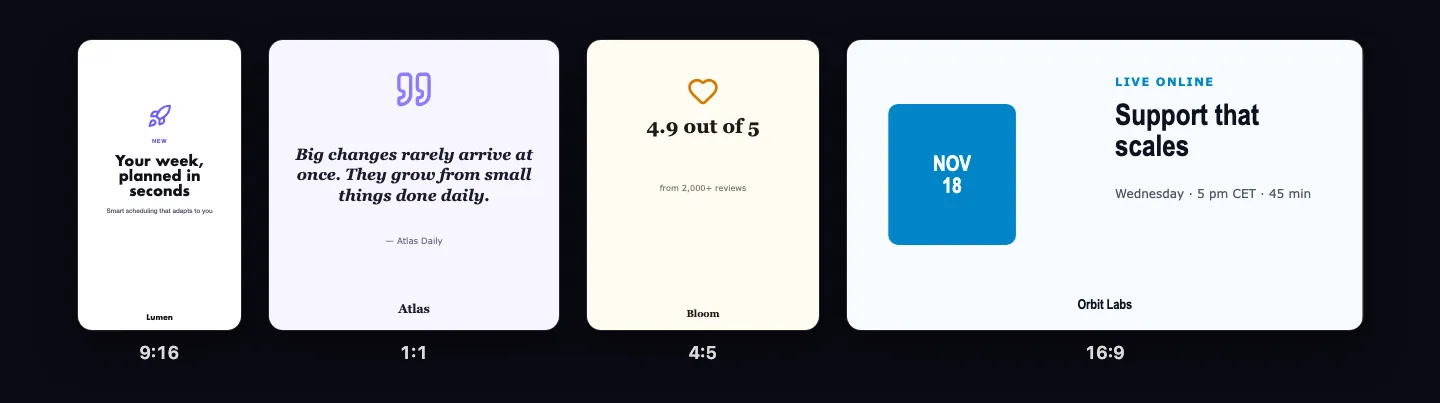
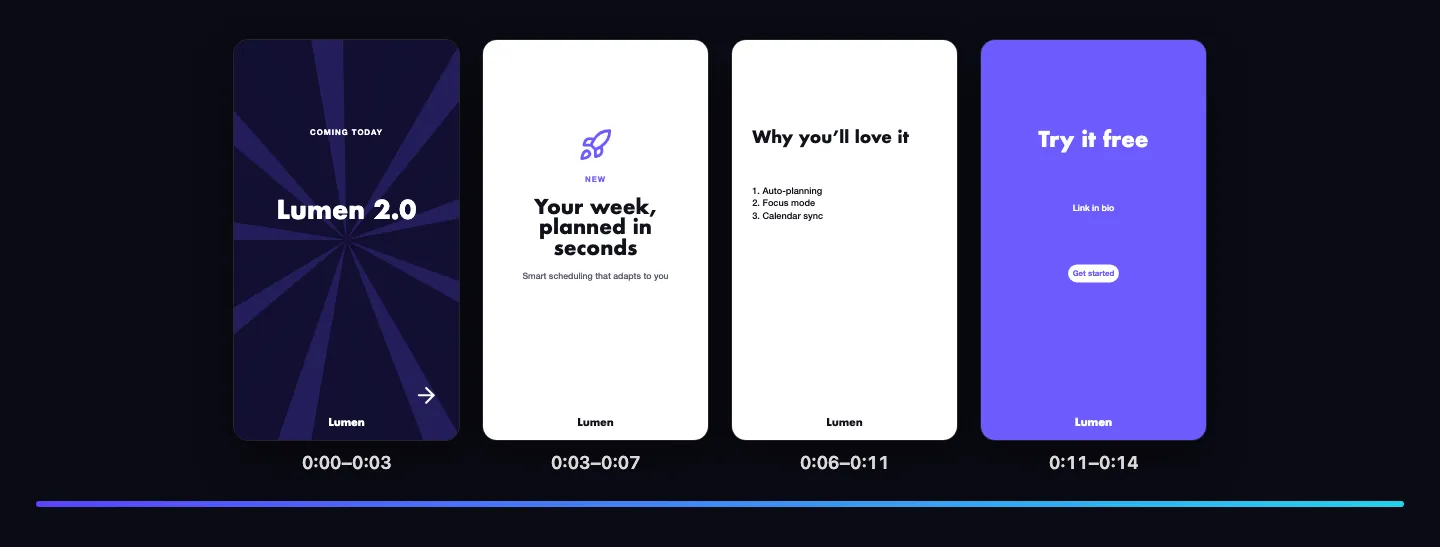
Choose Vertical 9:16 for Reels, Shorts and TikTok, Square 1:1 or Portrait 4:5 for the feed, or Landscape 16:9 for YouTube, LinkedIn and websites. A video lasts 5 to 60 seconds; Set length… in the Video panel stretches or shortens every scene in proportion.
3. Shape the scenes
Scenes lists the scenes under the canvas: add, duplicate, move or remove them. For each scene choose its length, how it Comes in with (cut, fade, slide, zoom or wipe) and its motion. You can also change the video by describing what you want in the chat, for example “make it 15 seconds” or “add our logo at the end”.
4. Add music, voice-over and subtitles
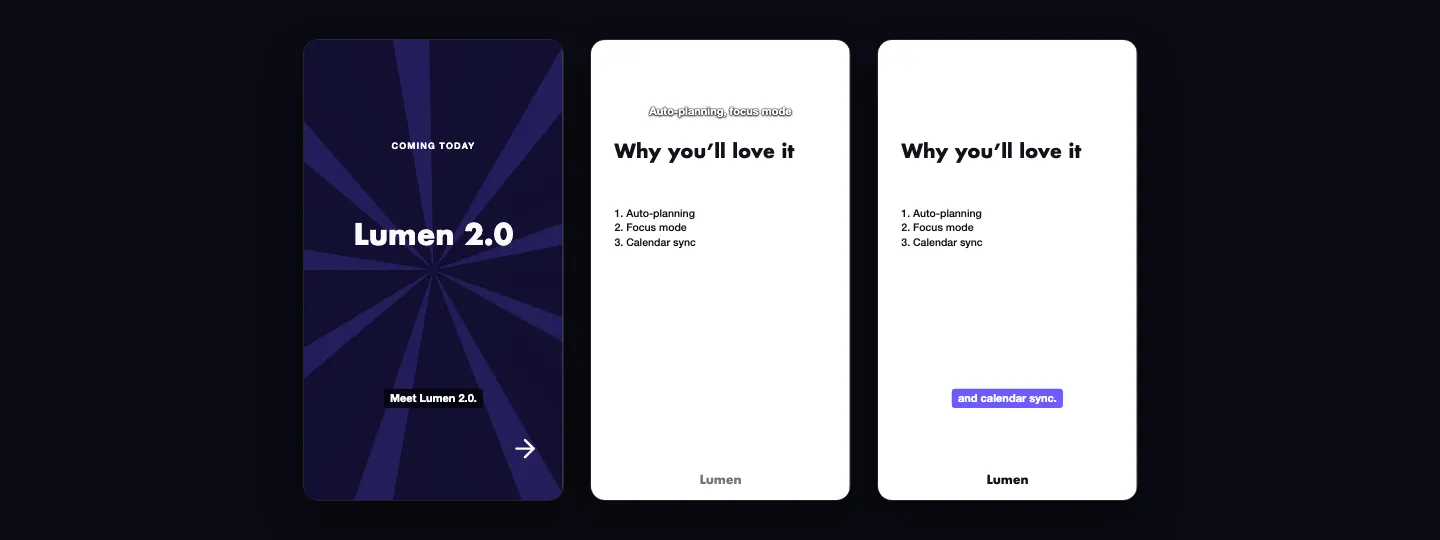
Pick a music track, and turn on a voice-over where it is available: each scene’s narration is spoken and shown as subtitles. The Video preview plays everything with sound; Space plays and pauses.
5. Render the MP4
Open Render and download in the Video panel and choose Render video. The price is shown first. Rendering runs in the background; when it is ready, choose Download MP4. Rendered videos carry no Craftkite watermark.
Questions about this guide
How much does rendering cost?
Rendering is priced per started 15 seconds, and voice-overs per started minute of speech. The price is shown before you start, and it is refunded if rendering fails on our side or you cancel it.
Can I make videos on the Free plan?
You can make, edit and preview video posts on the Free plan. Rendering videos is part of the paid plans.
Which format should I choose for Instagram Reels?
Vertical 9:16. It is also the format for YouTube Shorts and TikTok.
What happens if I change a video after rendering it?
Its render is marked Out of date. Choose Render again to get a new MP4.