
E-commerce
How to build an online store with Craftkite
Start from a store template or a description, add products, accounts and orders with a database, take payments with Stripe and publish the shop on your own domain.
By Craftkite Academy1 min read

An online store is an app with products, a cart, customers and orders. Craftkite builds all of these from a description, adds a database for your catalog and orders, and connects payments through Stripe with your own account. Here is how to go from idea to a live shop.
1. Start from a template or a description
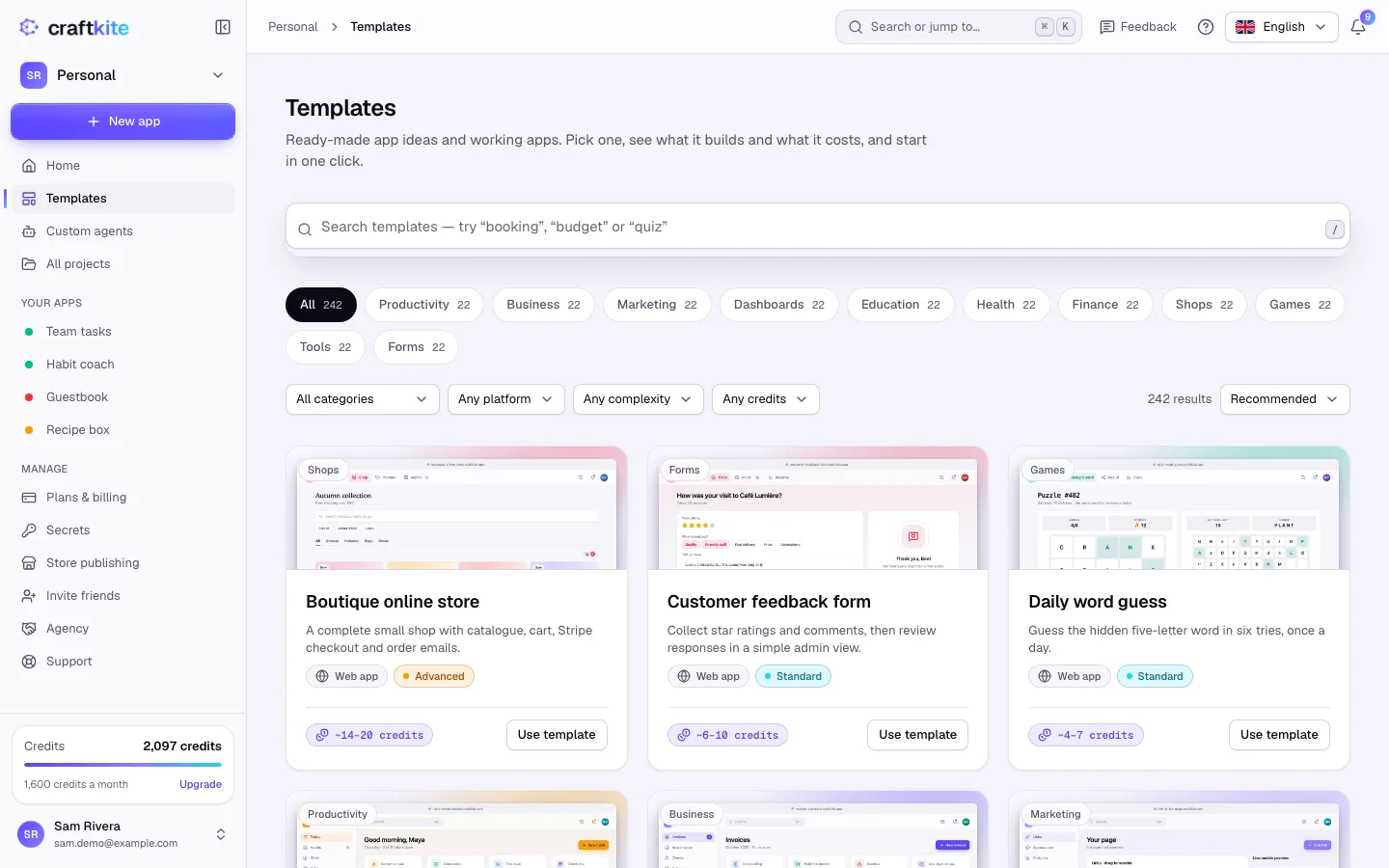
The template gallery has working shops you can start from, such as an online boutique, a bakery pre-order shop or a digital downloads shop. Starting from a template is free. Or describe your shop on Home: what you sell, how customers browse and what checkout should look like.
2. Approve the plan
Craftkite writes a plan with the pages (catalog, product page, cart, checkout, order history) and the data (products, customers, orders). Ask for what is missing, for example “add discount codes” or “let customers pick a delivery date”, then click Approve and build.
3. Manage products and orders in the database
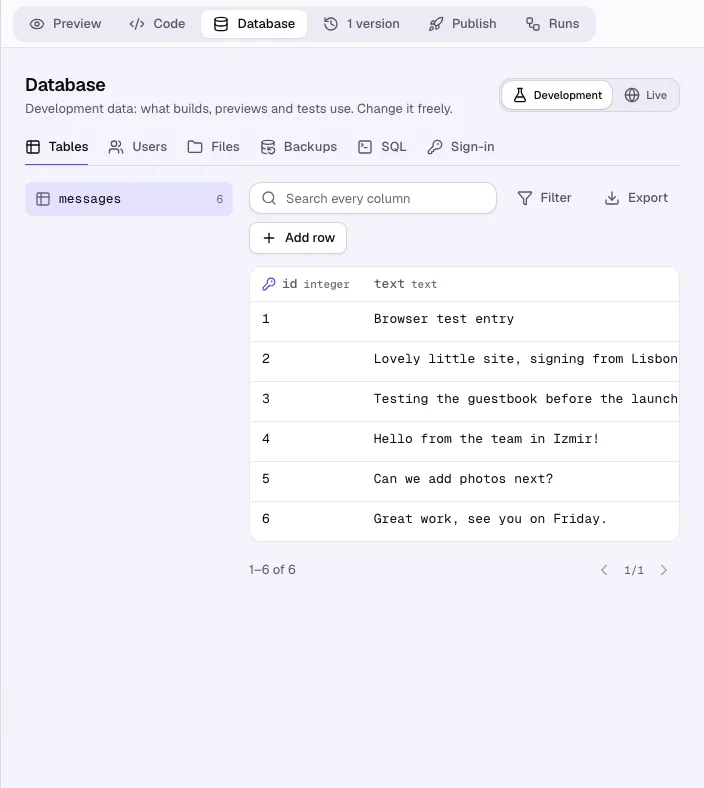
Because a shop saves data, Craftkite adds a database and sign-in. In the project’s Database tab you browse and edit tables, add products as rows and export orders as CSV or JSON. Development and live data are kept apart, so tests never touch real orders.
4. Take payments with Stripe
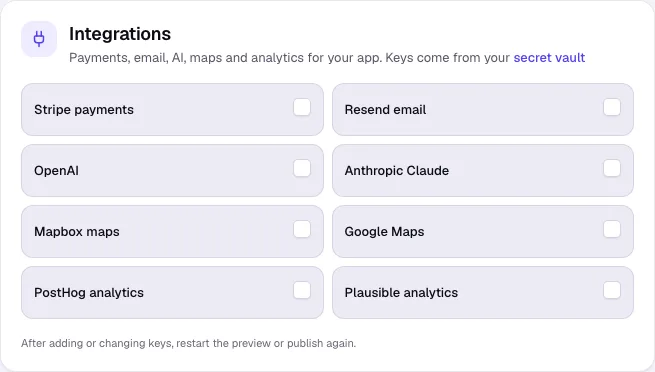
Open Secrets and add your Stripe key, for example STRIPE_SECRET_KEY. Then, in the project’s Publish tab, tick Use Stripe payments under Integrations and ask Craftkite to build the checkout. Keys are encrypted and never written into your code; Craftkite refuses to publish code with a key in it.
5. Publish the shop
Click Publish in the Publish tab and, on plans that include it, connect your own domain. Payments go to your own Stripe account.
Questions about this guide
Does Craftkite take a cut of my sales?
No. Payments are processed by your own Stripe account; Craftkite only builds and hosts the app.
Can I add products without asking the AI?
Yes. Add, edit or delete rows in the Database tab, or ask Craftkite to build an admin page for your products.
Can customers create accounts?
Yes. Apps with a database get sign-in; email and password is always on, and you can add Google or GitHub sign-in.
Where do I keep my Stripe keys?
In Secrets. They are stored encrypted and are never shown again after you save them.