
Build and test a mobile app
Mobile apps run on iOS and Android from one project. Preview them in a phone frame and open them on your own phone.
Updated October 12, 2026
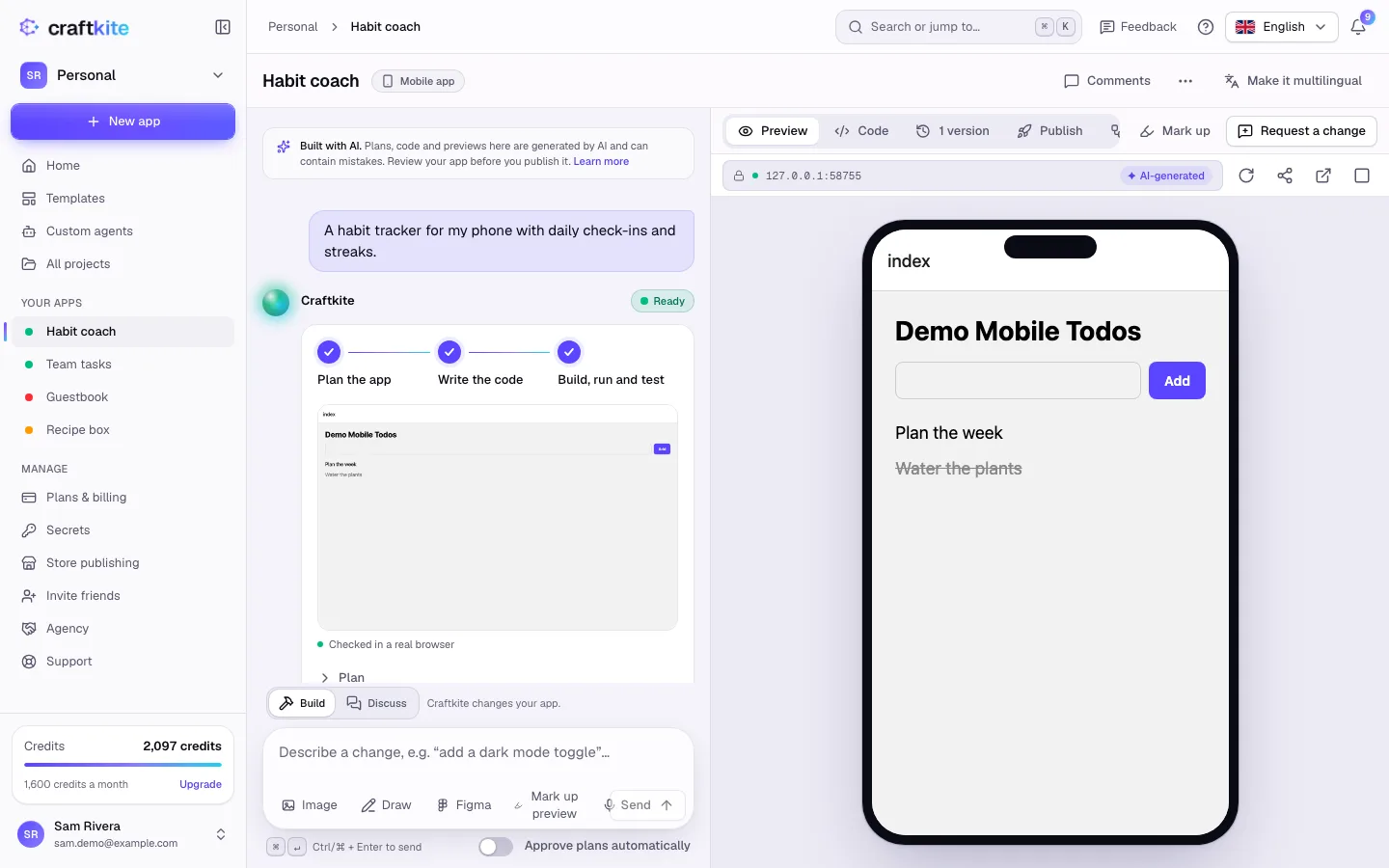
Choose Mobile app under the description when you start a project. Craftkite builds it with React Native, so one project runs on iPhone and Android phones.
Steps
- On Home, describe the app, select Mobile app and click Build it.
- Approve the plan. When the task shows Ready, the app runs in a phone-sized frame in the Preview tab.
- Ask for changes in the chat as with web apps; every change is a version.
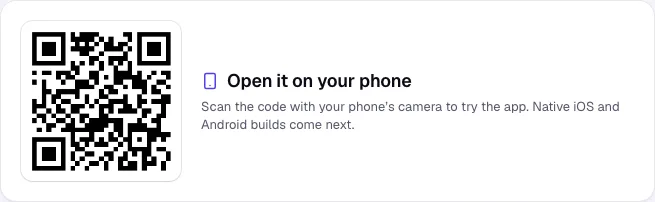
- To try it on your phone, open the Publish tab and click Publish. Scan the QR code under Open it on your phone with your phone’s camera.
Releasing to the stores
When the app is ready for real users, build it for the App Store or Google Play from the same Publish tab: see Release to the App Store and Google Play.
Good to know
- Mobile apps take their name and icon from the store release.
- Mobile apps can use a database and sign-in like web apps.