
Web and mobile versions of the same app
Build the web app and its mobile app together, or add the other version later. Both share one backend and stay linked.
Updated October 12, 2026
Many apps need a website and a phone app. Craftkite builds them as twin apps: two linked projects, a web app and a mobile app, with the same features, texts, translations and look, adapted to each platform.
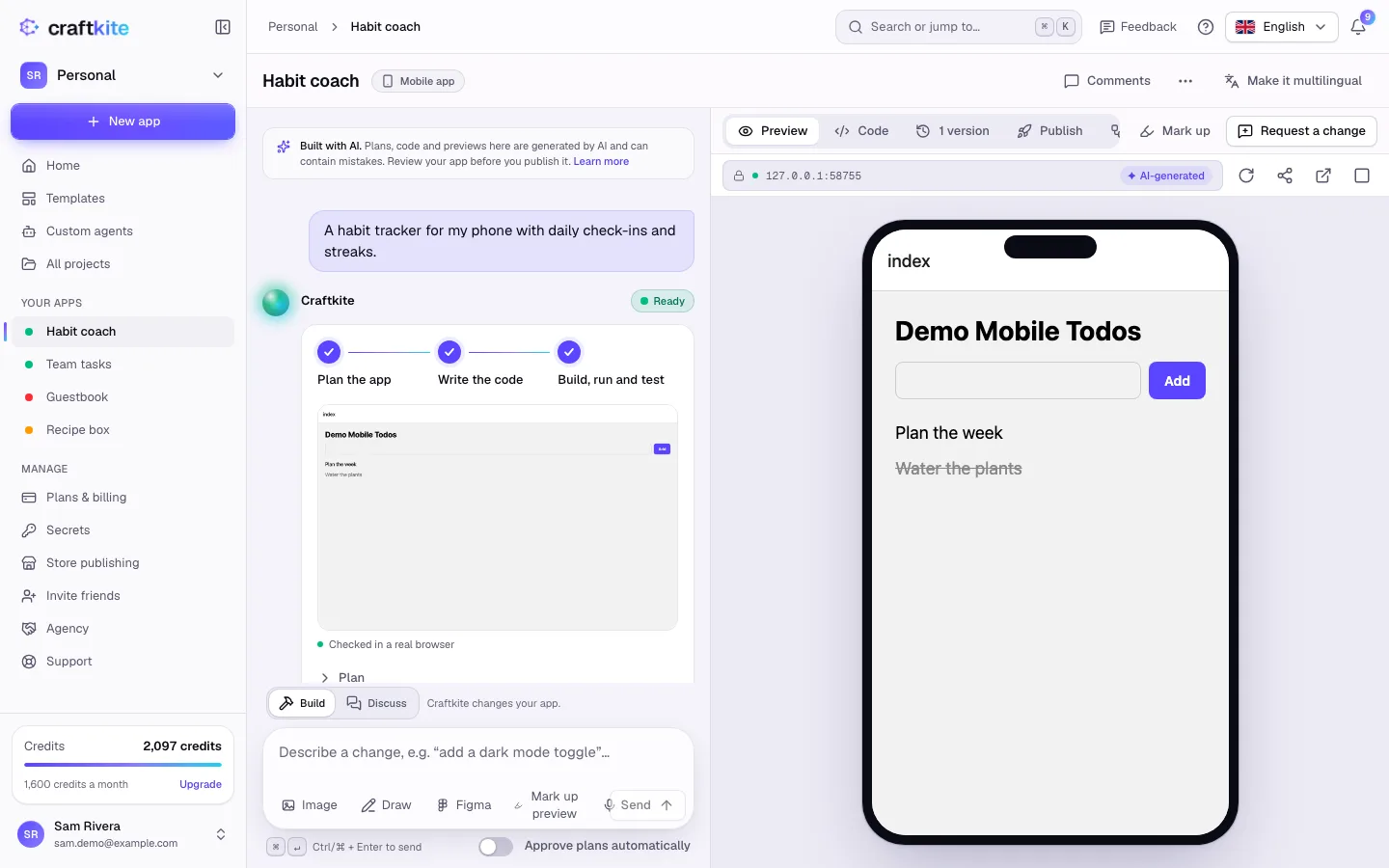
Build both at once
- On Home, describe the app and choose Web + mobile under the description.
- The estimate covers both builds. Click Build it.
- Craftkite builds the web app first. As soon as its first build works, it starts the mobile app from the same plan, design and data model. You approve each plan as usual.
If the web build stops, open the mobile project and click Start now.
Add the other version later
Open a finished web app and click Mobile version in the project header (on a mobile app: Web version). Craftkite creates a linked project and gives its first build the web app’s plan, colors and fonts, texts and translations, data model and API routes, with the instruction to keep the same features.
You can also say it in your own words, for example “We built the web version of my coffee shop project, now make it for phones”. Craftkite finds the project and asks whether the new app should be its linked mobile version or a separate app.
One backend for both
Twins share one backend: the same database, the same sign-in accounts and the same stored files. People who sign up in the web app sign in to the mobile app with the same account. If neither version has a backend yet and the new plan needs one, the plan says so; approving it turns the backend on for both.
- One change runs at a time across both versions, because they share the database.
- Publish the web version first: the mobile version uses its live backend.
- The data model lives in the version that holds the backend. Tables added by the other version are copied into it.
Keep them in sync
After a change works on one version, the chat offers Apply to mobile (or Apply to web). Craftkite starts the same change on the other version, with your request and a summary of what changed. Each change is a normal task: you approve the plan and pay only for what it uses.
The header shows both versions; click one to switch. Project lists mark linked apps with + Mobile or + Web.
Refer to your other projects
Type @ in any message (or use the Project button) to pick another of your projects, for example to reuse its colors or data model. Craftkite also understands words like “my coffee shop project” or “my last project”. The message then shows Using: with the project’s name, and if your words fit more than one project, Craftkite asks which one you mean. Only your own projects (or your team’s, in a team workspace) can be referred to.
Good to know
- Deleting one version keeps the other one; they are no longer linked. A mobile version that used the deleted app’s backend gets a backend of its own with its next build.
- Moving a project to another workspace moves its other version too.
- A blueprint template can be used as Web + mobile when it supports both platforms.