
GitHub sync and ZIP export
Your app is a standard project you own. Download it as a ZIP or keep it in your own GitHub repository.
Updated October 12, 2026
Find these options in the project’s Publish tab, in the Code section.
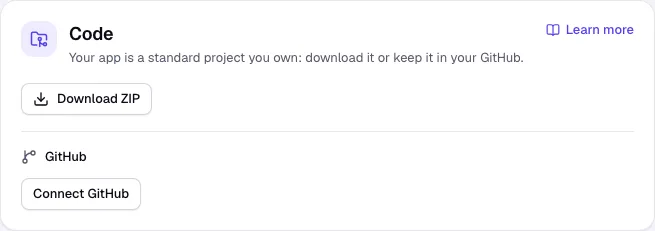
Download a ZIP
- Choose what goes in: Code only, With development data or With live data (apps with a database).
- Click Download ZIP.
Connect GitHub (plans with GitHub sync)
- Click Connect GitHub and allow access in GitHub.
- Enter a Repository name, keep Private ticked if you like, and click Create repository.
- Turn on Push every new version automatically, or click Push now when you want.
Bring changes back from GitHub
Edited the code in GitHub or your own editor? Click Pull from GitHub: the latest commit of the linked branch becomes a new version. No credits are used. Platform settings, binary and very large files are left as they are.
Good to know
- Before anything is pushed, Craftkite checks the code for keys written into it. Move keys to Secrets and read them from the environment.
- Disconnect unlinks the repository; the repository itself stays in your GitHub.