
Import data
Fill your app’s tables from CSV, JSON or Excel files, copy tables from another PostgreSQL database, and change or delete many rows at once.
Updated October 12, 2026
You never have to type rows one by one. Everything below is in Database → Tables and works on development and live data.
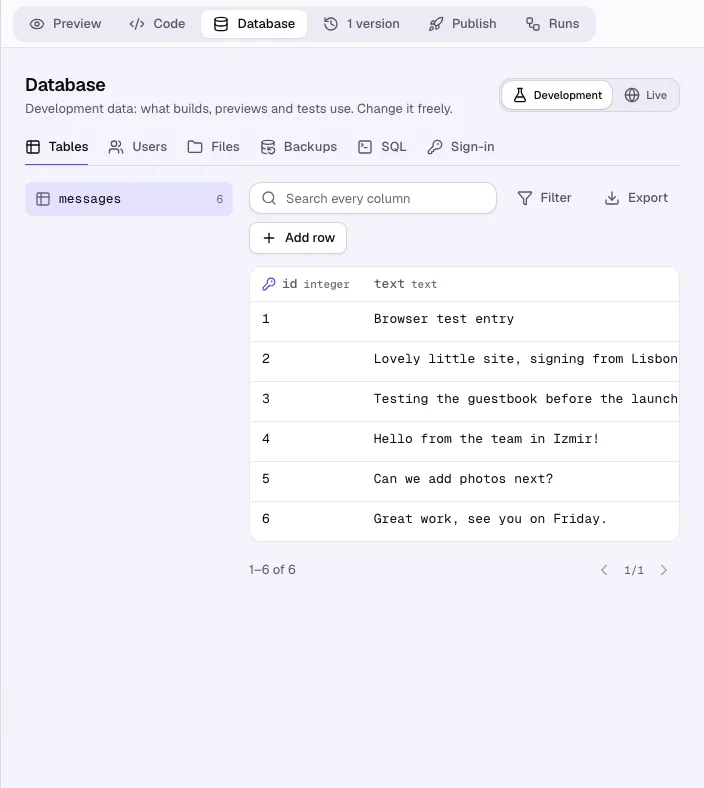
Import a file
- Choose a table and click Import.
- Choose a file: CSV (comma, semicolon or tab separated), JSON (a list of objects) or Excel (.xlsx, the first sheet).
- Check the column mapping. Columns are matched by name (
First namefillsfirst_name); pick another column of the file or Do not fill. Required columns are marked. - Choose what happens to rows that already exist: Add as new, or Update by key (for example by
emailorsku; the key must be unique in the table). - Click Dry run. You see how many rows would be added, updated and which rows have errors (row number, column and why). Nothing is changed.
- Click Import. Turn on Skip rows with errors to import the good rows only; otherwise one wrong row stops the whole import.
Large files run in the background; Backups shows when they are done. Before an import into live data Craftkite takes a backup.
Copy from another PostgreSQL database
- In a table, open More actions → Copy from another database.
- Paste the connection string of the other database and click Show tables.
- Tick the tables. For tables your app already has, choose Add rows, Update by key or Replace all rows; missing tables are created.
- Click Copy. Each table is copied on its own, parents first, and the result of each one is listed under Backups.
The password is used for that copy only and is not kept.
Change or delete many rows
- Search or filter the table so that it shows the rows you mean.
- Open More actions → Change matching rows or Delete matching rows.
- For a change, choose the column and the new value. Click Count rows.
- Confirm with the number shown (for deletes, type it). If the rows changed in the meantime, you are asked to count again.
Every import, copy and bulk change is listed in Database → Activity.