
Import a Figma frame
Attach a frame from your Figma file as a design reference for a request, using your own Figma token.
Updated October 12, 2026
If your design lives in Figma, you can attach a frame to a request so Craftkite builds the screen to match it. Craftkite uses only your own Figma token.
Before you start
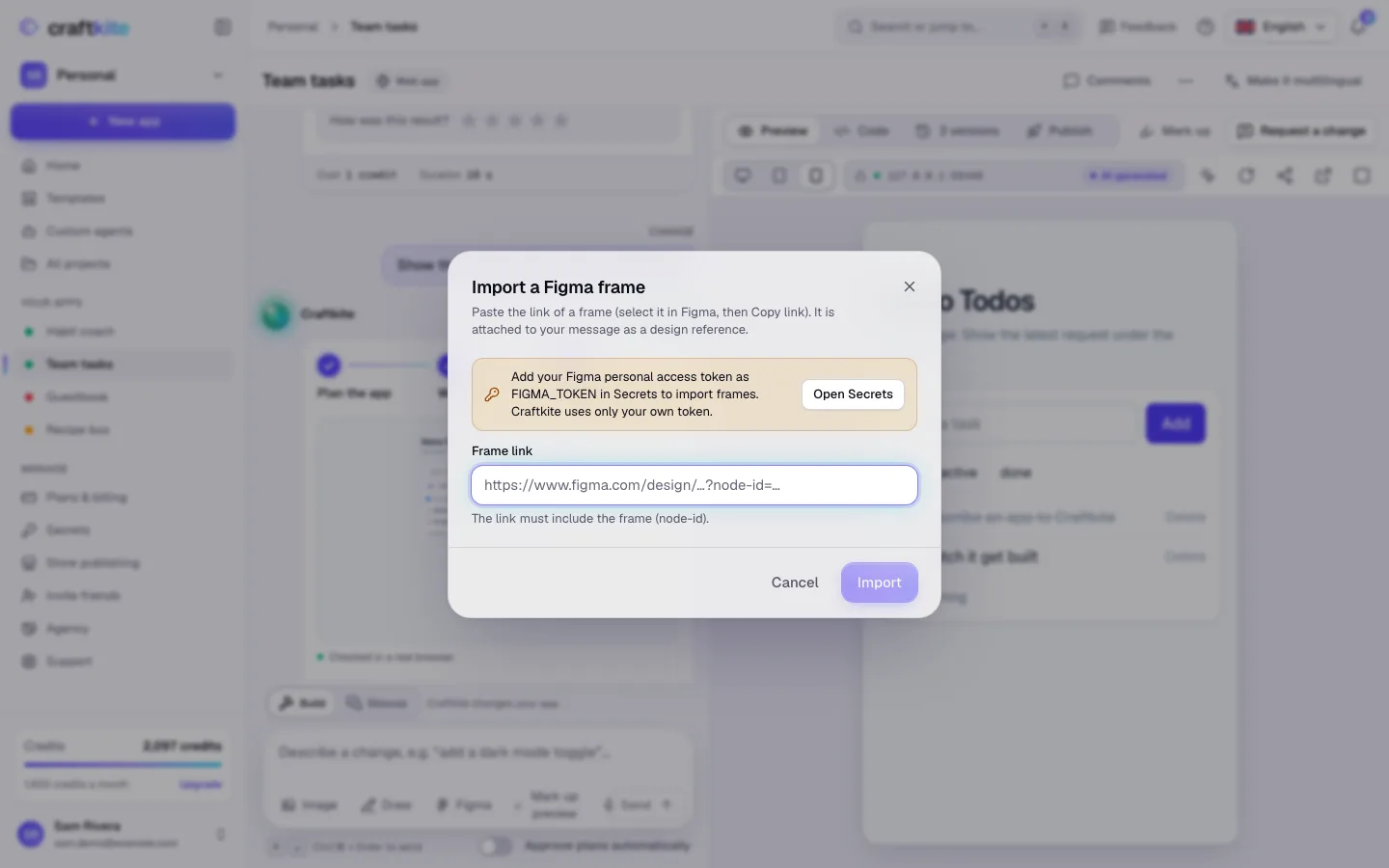
Create a personal access token in your Figma account settings and add it in the studio under Secrets with the name FIGMA_TOKEN. Values in Secrets are stored encrypted.
Steps
- In Figma, select the frame and choose Copy link. The link must include the frame (
node-id). - In the project’s message box, click Figma.
- Paste the link under Frame link and click Import.
- The frame is attached to your message as an image. Describe what to build from it and send the request.
If it does not work
- That isn’t a Figma frame link: copy the link of a single frame, not of the whole file.
- Figma refused your token: check that the token is still valid and has access to the file.
- The frame is too large to attach: choose a smaller frame, for example one screen instead of a whole board.