
Write a description that works
Tips for descriptions that give the agent enough to build the app you have in mind.
Updated October 12, 2026
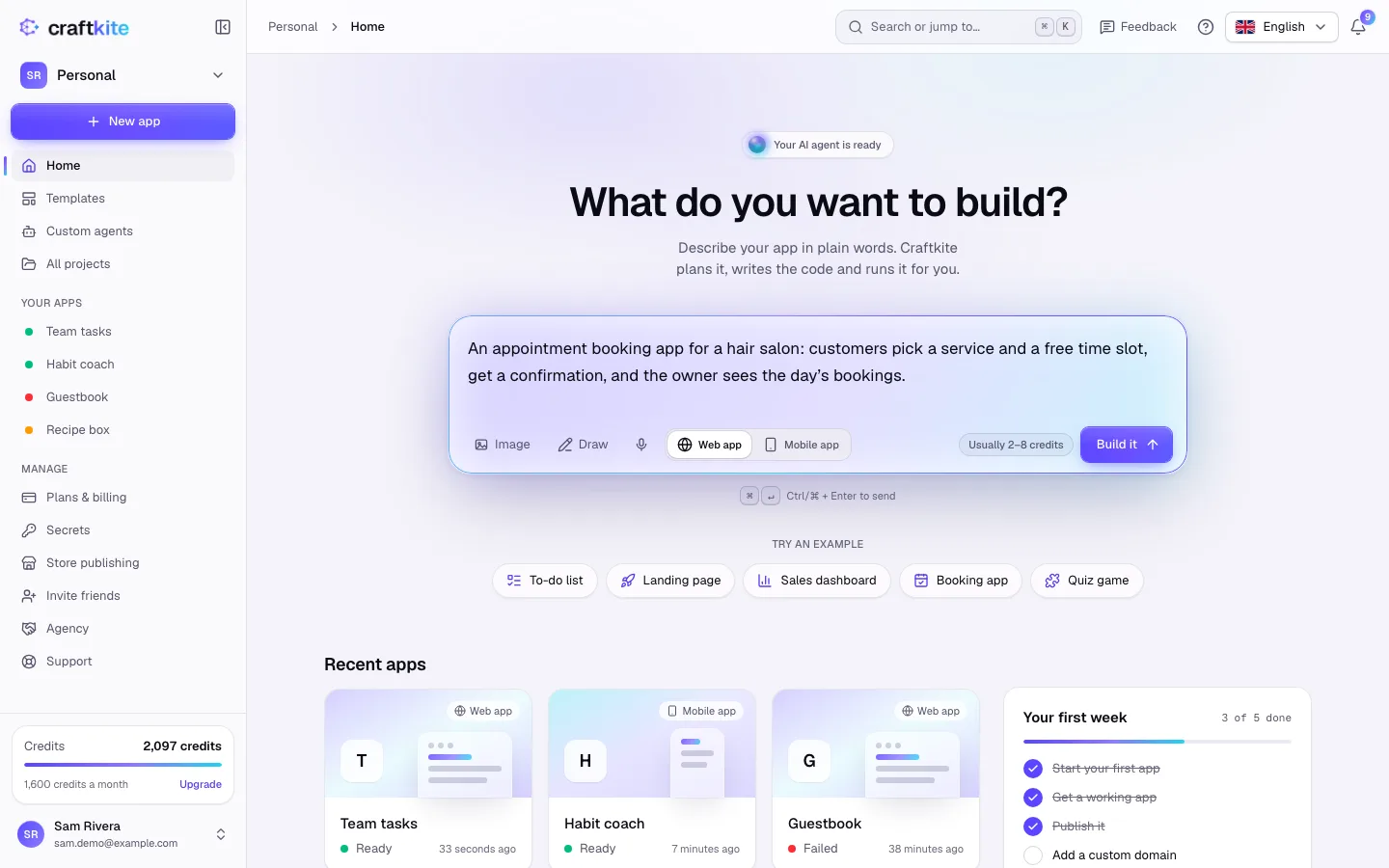
The clearer your description, the closer the first version gets to what you want. You do not need technical words: describe the app the way you would to a person who builds it for you.
A good description says
- Who it is for and why: “A booking page for my yoga studio where students pick a class and pay at the door.”
- The screens: home, class list, booking form, an admin view for the owner.
- The data: classes have a title, a teacher, a time and a number of places.
- What matters most: for example “must work well on phones” or “keep it to one page”.
- The look, if you have one in mind: colors, a dark theme, a calm or playful style.
Steps for changes after the first version
- Ask for one thing at a time in the chat: small, clear requests finish faster and use fewer credits.
- Point at what you mean. Attach a screenshot, draw a sketch with Draw, or use Mark up to circle a part of the latest preview.
- Say what should stay the same if it matters (“keep the colors, only change the header”).
- Read the plan before you approve it. If it misunderstood you, click Request changes and say what to adjust.
Tips
- Images help a lot: you can attach up to three images (PNG, JPEG or WebP) to a request.
- Want the same rules for every app (brand colors, libraries, code style)? On plans that include custom agents you can save them in a custom agent and pick it in the composer.
- Use Discuss instead of Build to ask questions about your app first; nothing is changed.