
Automatic publishing
Publish every successful change to Craftkite hosting, your own hosts, GitHub and the store test tracks without clicking.
Updated October 15, 2026
With automatic publishing, each change that the agent built and tested is published for you. You choose where, per project and per target.
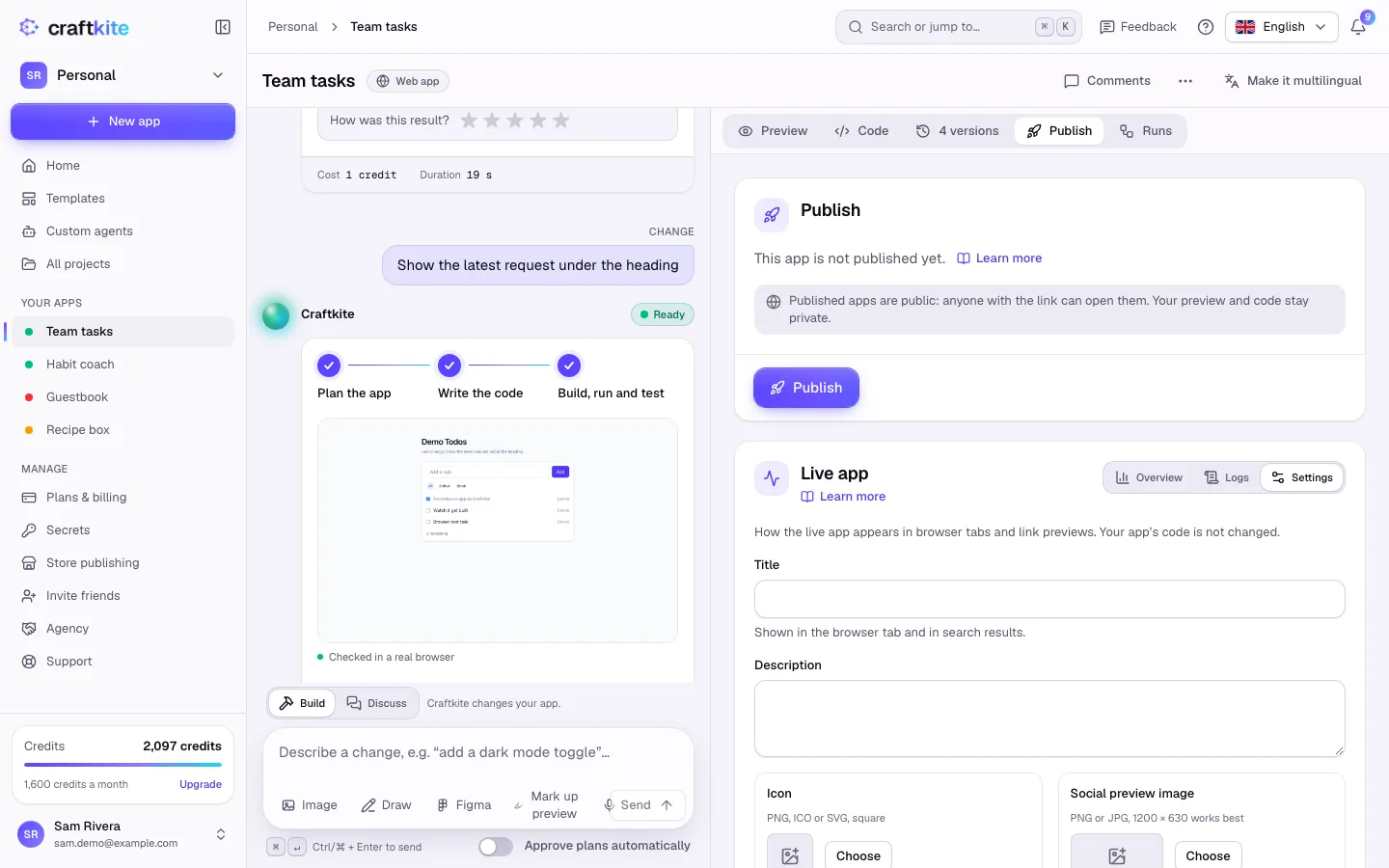
Turn it on
- Open the project’s Publish tab and find Publishing.
- Turn on Publish automatically for each target you want: Craftkite hosting, a connected own host, GitHub or the app stores.
- Make your next change. When the task has been built and tested, publishing starts on its own.
Targets you leave off are published only when you click Publish now.
What happens after a change
- Craftkite hosting is published first, then the other selected targets.
- If a newer version is already published, an automatic publish of an older one is skipped, so the newest version always wins.
- Each publish to your own host uses credits as usual; they are returned if it fails.
App stores
For mobile apps, turning on the app stores sends a new build after each change to TestFlight (iOS) or to Google Play internal testing (Android), using your connected store accounts. Store builds keep their own price. Sending a version for store review stays your decision: do it yourself in App Store Connect or Play Console.
GitHub
When your project is linked to a repository, Push every new version automatically pushes each new version there. See GitHub sync and ZIP export.
When a publish fails
You are told in the studio, by push notification and by email, with a link to the log. A failure never blocks the studio: you can keep working, fix the cause and publish again. The version already live stays online.