
Discuss or Build
Ask questions about your app without changing it, then switch to Build when you know what you want.
Updated October 12, 2026
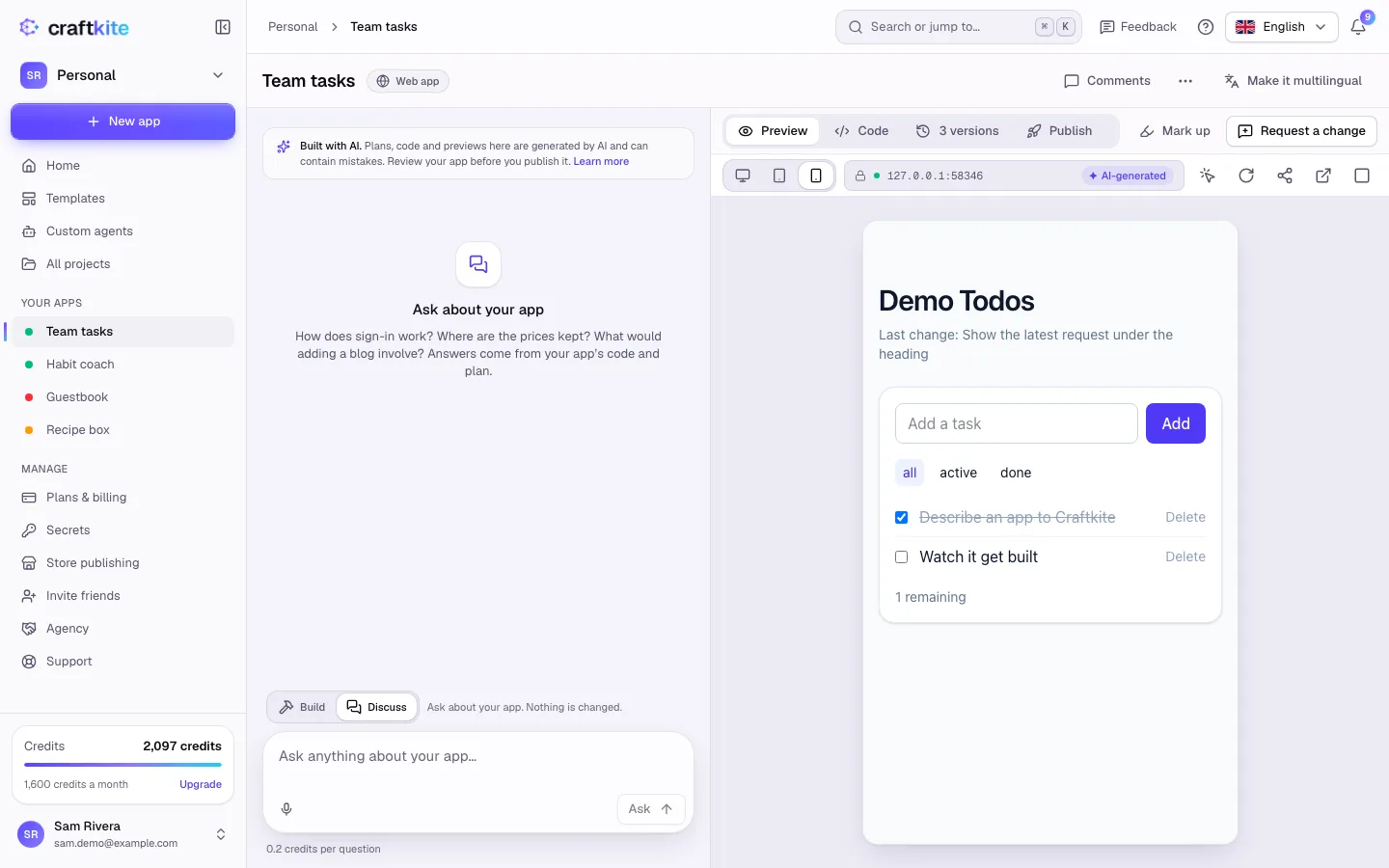
The message box of a project has two modes. Switch between them above the box.
- Build – Craftkite changes your app: it plans, writes code, tests and saves a new version.
- Discuss – ask about your app. Nothing is changed.
When to use Discuss
- “How does sign-in work in this app?”
- “Where are the prices kept?”
- “What would adding a blog involve?”
Answers come from your app’s code and plan, so they are about your app, not apps in general.
Steps
- Click Discuss above the message box.
- Type your question and click Ask.
- When you know what to change, switch to Build and describe the change.
Cost
Questions are cheap: the box shows the price per question (or “Questions are free”). Building uses credits as usual and you approve the plan first.