
Archive, move and delete projects
Keep your project list tidy, move projects to a team and restore deleted ones.
Updated October 12, 2026
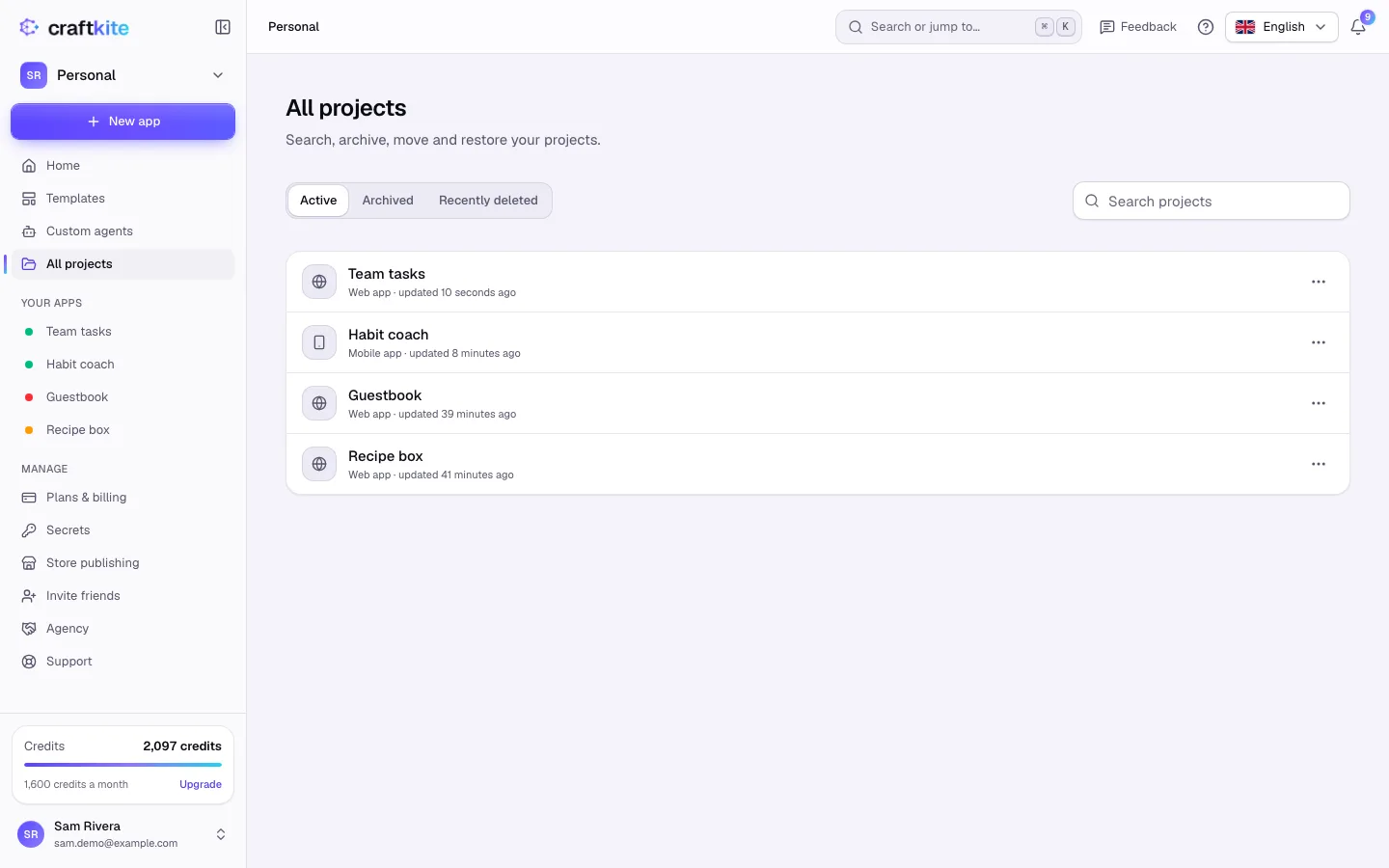
All projects in the side menu lists every project, with search and three views: Active, Archived and Recently deleted.
Archive
- Open a project’s menu (Actions for …) and choose Archive.
- Optionally tick Also take the live app offline.
- Click Archive project.
Archived projects are hidden from your list and read-only. Unarchive them at any time.
Move to a team
- Choose Move to… in the project’s menu.
- Pick the Destination (your personal projects or a team you own or administer) and click Move project.
New changes then use the credits of the new place; credits already used stay where they were spent.
Delete and restore
- Choose Delete…, type the project’s name and click Delete project.
- The live app, its custom domains and the GitHub link are removed right away.
- Until the date shown, you can restore the project from Recently deleted. After that its files, versions and databases are erased for good.
Credits already used are not refunded when you delete a project.