
Build and test an API
Create an API without a user interface: plan its endpoints, try them in the request tester and let Craftkite test it like an attacker.
Updated October 25, 2026
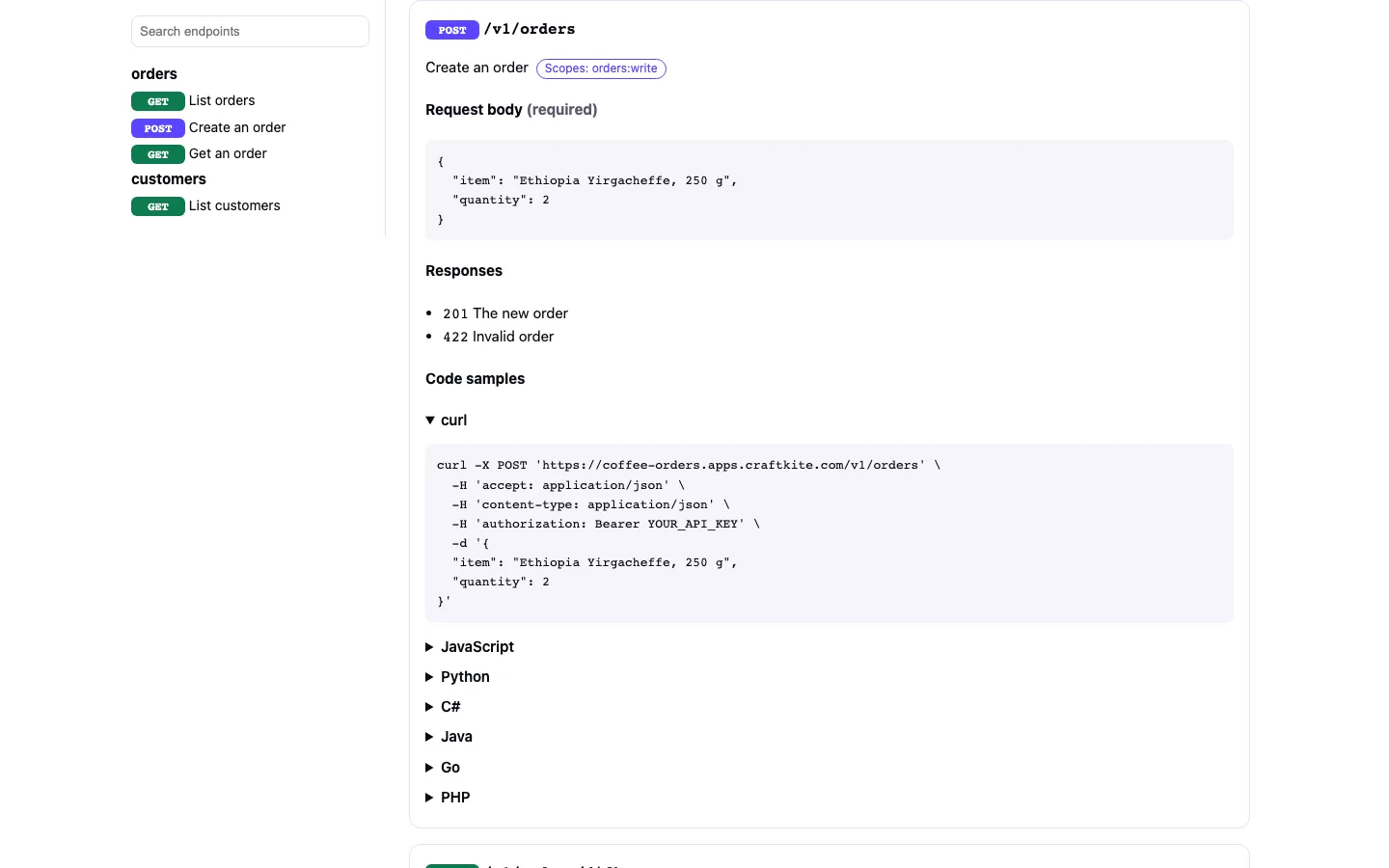
Choose API next to Web app and Mobile app in the composer, then describe what the API stores and who calls it: “an API for my shop's orders that my mobile app and two partners use”.
The plan
The plan lists the resources with their fields, the endpoints under /v1 with the scope each one needs (for example orders:read), and who calls the API. Approve it like any plan; the quote is shown first.
Explorer and request tester
Open the API tab. Pick an endpoint: the form is built from the API's own schema and filled with an example. Choose who sends it — Test consumer A, Test consumer B (another owner) or No key — and press Send request. You see the status, the time, the body and whether the answer matches the documented schema. Copy as curl gives the same request for a terminal; Save as test makes later changes check it again.
What Craftkite checks on every build
The project's own build, lint and tests; the generated OpenAPI document; and contract and security tests sent to the running API: every endpoint with valid and broken input, requests without a key, another consumer's objects, missing scopes, pagination and repeated requests. Problems are repaired before the build is handed over.