
Talk to edit your video
Change a video post by describing what you want — its length, texts, music, voice-over script or language — and see the price before anything changes.
Updated October 15, 2026
You do not have to retime scenes by hand. Describe the change and the AI rewrites the video post for you: scene lengths, texts, music, transitions, the voice-over script or the language. Only the video you are working on changes; the other posts of the set stay as they are.
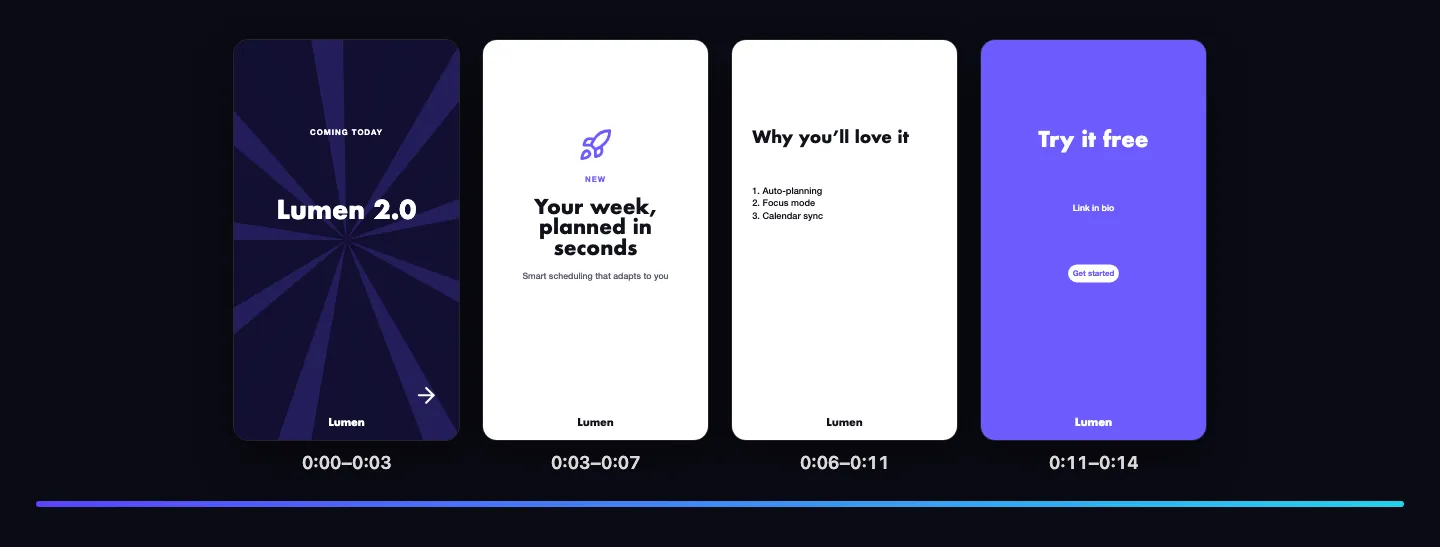
Change it by talking
- Select the video post and open the Video panel. Under Change it by talking, pick a suggestion, or choose AI → Change this post.
- Describe what you want, for example “Make it 15 seconds”, “Add our logo at the end” or “Change the music to something calmer”.
- Check the plan and the price, then approve it. The video updates in the preview.
- Not happy? Restore the previous version from the version history, or ask for another change.
What you can ask for
- Length: “make it 15 seconds”, “make the second scene shorter”.
- Texts: “shorter headlines”, “a stronger call to action”, “write it in German”.
- Sound: “more energetic music”, “write a voice-over script for every scene”.
- Look: “slide transitions”, “calmer motion”, “use our brand colours”.
AI video clips are never made by a request in the chat: you make them per scene, with their own price (see AI video clips).
Ask questions with Discuss
In Discuss you can ask about the video without changing it, for example whether it fits a platform’s length or how to make the first second grab attention. See Discuss and Build.
What it costs
A change of one video is priced like changing posts with AI; writing a whole new campaign costs more. The price is shown before you approve, and nothing is charged for a plan you do not approve. Editing on the canvas, previewing and undoing are free.