
Downtime alerts for your live app
Get told in the app, by push and by email when your published app stops answering, and again when it is back.
Updated November 21, 2026
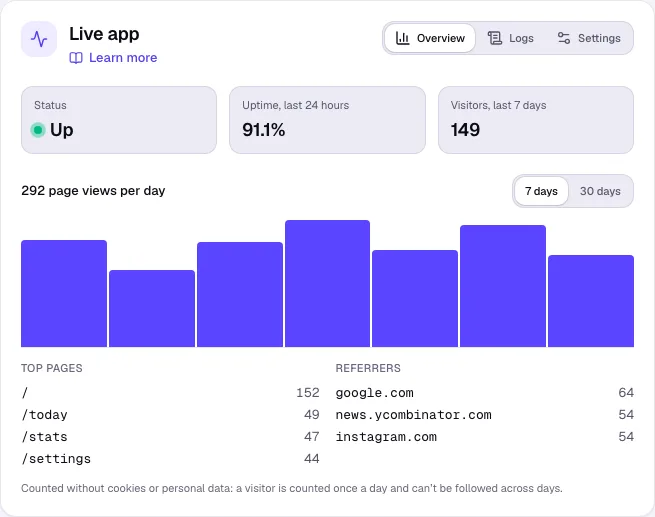
Craftkite checks every published app every 5 minutes. When your app stops answering, you hear about it right away, without setting anything up.
When you are alerted
- After two failed checks in a row (about 10 minutes), the app’s owner gets one alert: in the app, as a push notification on your phone and by email. In a team, the team’s owner and admins and the person who built the app are alerted.
- You get one alert per outage, never one per check.
- When the app answers again for two checks in a row, everyone who was alerted gets a Back up notice with how long it was down.
- If an app goes down again shortly after an alert, the new outage is recorded and you are alerted only if it lasts, so an app that keeps flickering does not flood your inbox.
- Apps that are asleep, paused or unpublished are never reported as down.
Incident history
Open the Publish tab and the Live app section. Under Downtime alerts you see the outages of the last 30 days: when each one started, how long it lasted and whether it is still going on.
Turning alerts off
- For one app: switch off Alert me about this app in its Live app section. This only affects you; your teammates keep their alerts.
- For every app: turn off Live app down under Account → Notifications for push, email or both. The alerts still appear in your notifications list.
Steps when your app is down
- Open Logs and look for errors around the time it went down.
- If the latest version is broken, click Roll back under Deployments to republish the last good one.
- Ask Craftkite to fix the problem, then publish the update.