Animation videos
Animated characters — 3D, 2D cartoon, anime or claymation — that speak your script with natural lip-sync.
Updated October 19, 2026
In the Animation style, your video stars an animated character instead of a real person. Pick a look — 3D animated (feature-film style), 2D cartoon, anime or claymation — and Craftkite keeps the same character in every shot, with natural speech and lip-sync in your video's language.
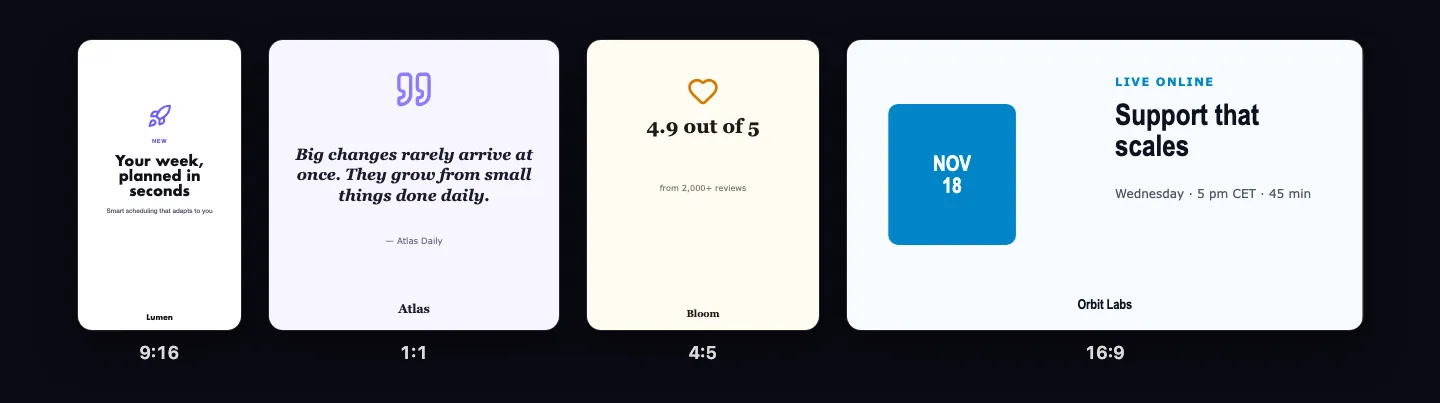
Make one
- In the AI video flow, pick Animation in the style picker and choose its look, or just say so in your request: “like a cartoon”, “Pixar style”, “anime”, “claymation”.
- Describe the video and choose Plan. The storyboard shows the character and the look.
- Check the quote and choose Approve and make.
To switch an existing video, ask in the chat — “make it animated” or “use a real actor instead” — and choose Update video. You see the new quote before anything is made again.
Good to know
- Animated speakers are humanoid characters, so their mouths can be checked.
- Animated children are fine: they are clearly fictional characters.
- The same quality checks, edit and pricing apply as for real people videos: per started 15 seconds, a new character once, retakes included. The current prices are in the credit table.
- Animation is part of the Builder plan and up; Starter includes a 30-second trial a month.