
Pull requests and branches
Send each change to a branch and a pull request instead of the main branch, review it with your team, and bring the merged result back into Craftkite.
Updated November 21, 2026
When your app is linked to a repository on GitHub or GitLab, Craftkite can work the way your team already does: every change goes to a branch of its own and a pull request (a merge request on GitLab) instead of straight into your main branch.
Turn it on
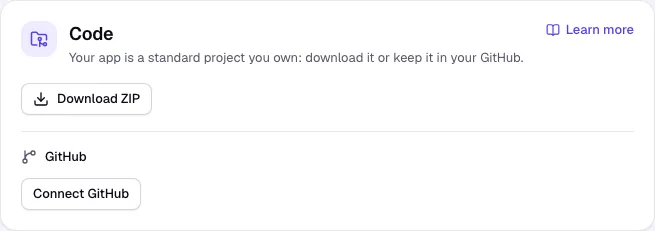
- Open your app’s Publish tab and link the repository in the Code section, if you have not yet.
- Under Pull requests, switch the link from Push directly to Pull request.
- Choose Open pull request. Craftkite pushes the current version to a
craftkite/…branch and opens the request into your linked branch.
Later versions update the same open request, also when automatic sync is on. Nothing reaches your main branch until someone merges it.
Follow it
Each request shows whether it is Open, Merged or Closed, and how its checks (CI pipelines, GitHub Actions) are doing. Choose Refresh to read the latest state, or open it on the host.
Bring merged work back
When the request is merged — perhaps with edits from a reviewer — choose Bring into Craftkite. The merged result becomes a new version of your app, and changes you made in Craftkite in the meantime are kept.
If the same lines were changed in both places, Craftkite lists those files and you choose, per file, Keep Craftkite’s or Take the repository’s. Or choose Let the agent combine them: Craftkite keeps its side and starts a normal change that works the repository’s changes in, with a plan and a price for you to approve first.
Craftkite only takes files of the app it builds; your own files in the repository (docs, licences, workflows) stay where they are and are never deleted by Craftkite.
Sign in to GitLab or Bitbucket
Next to pasting an access token, you can Sign in with GitLab (or Bitbucket, where it is offered) in the same section. The sign-in is kept encrypted and renewed automatically; sign out at any time.
On the phone: open the app, then Git hosts. More about syncing code: GitHub and ZIP export.