Design systems
Define your brand once — colours, fonts, shapes, components, logo and tone — and every app Craftkite builds follows it.
Updated November 21, 2026
A design system is your brand in one place: colours, fonts and type sizes, spacing and corner radii, how buttons, cards and inputs look, your logo and your tone of voice. Craftkite applies it to every web and mobile app you build and to every later change, so all your apps look like they belong together.
Create one
- Open Design systems in the side menu (on the phone: Profile → Design systems) and choose New design system.
- Start the way that suits you:
- Curated: pick one of ten professionally composed systems — Clarity, Editorial, Playful, Nordic, Midnight, Luxe, Fresh, Enterprise, Bold or Heritage.
- Blank: fill in the form yourself.
- Paste tokens: paste JSON design tokens, a Tailwind colour map or CSS custom properties.
- From a website: enter your site’s address; Craftkite reads its public colours, fonts and radii.
- Adjust anything in the form. The preview shows the result, and a note appears when text would be hard to read (WCAG AA contrast).
- Add your logo (PNG, JPEG or WebP up to 256 KB) and, if you like, notes on components and tone of voice.
- Save. Your first design system becomes the default for new apps.
How apps use it
Craftkite writes the design system into each app as real design tokens — a theme file the whole app uses — and self-hosts the fonts, so your visitors never load fonts from third parties. The agent styles every screen with these tokens instead of one-off colours, and keeps doing so in later changes.
One app, its own way
Open an app’s menu and choose Design system to:
- Default: follow the account’s default design system.
- Choose one: use another of your design systems.
- Detached: keep the app’s current look; no design system is applied or changed any more.
You can also give a single app its own primary colour, fonts or corner radius.
Change your brand later
When you save a change to a design system that apps use, Craftkite offers to restyle them. Each restyle is a normal change: you see its plan and price in the app before anything is built.
Documents and apps share one brand
In a CV, presentation or social media set, choose Brand to give the document a design system’s colours and fonts, or to save the document’s brand as a design system for your apps.
In a team
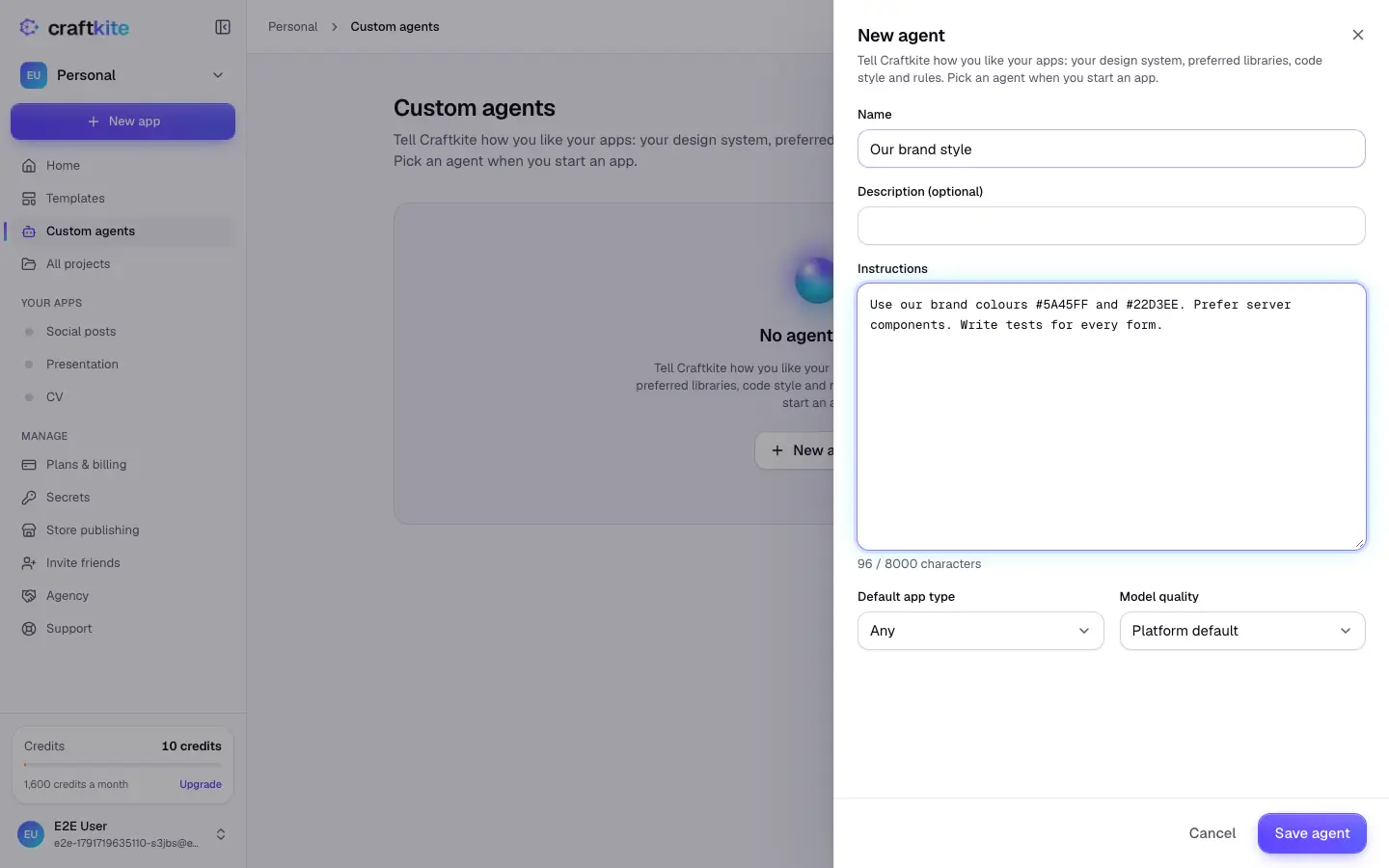
A team’s design systems belong to its workspace. Owners and admins create and change them; every member can use them in the team’s apps. More about building with rules of your own: Custom agents.