
Edit code together in real time
Several people edit the same file at once with live cursors, and Craftkite’s own changes merge with what you type.
Updated November 22, 2026
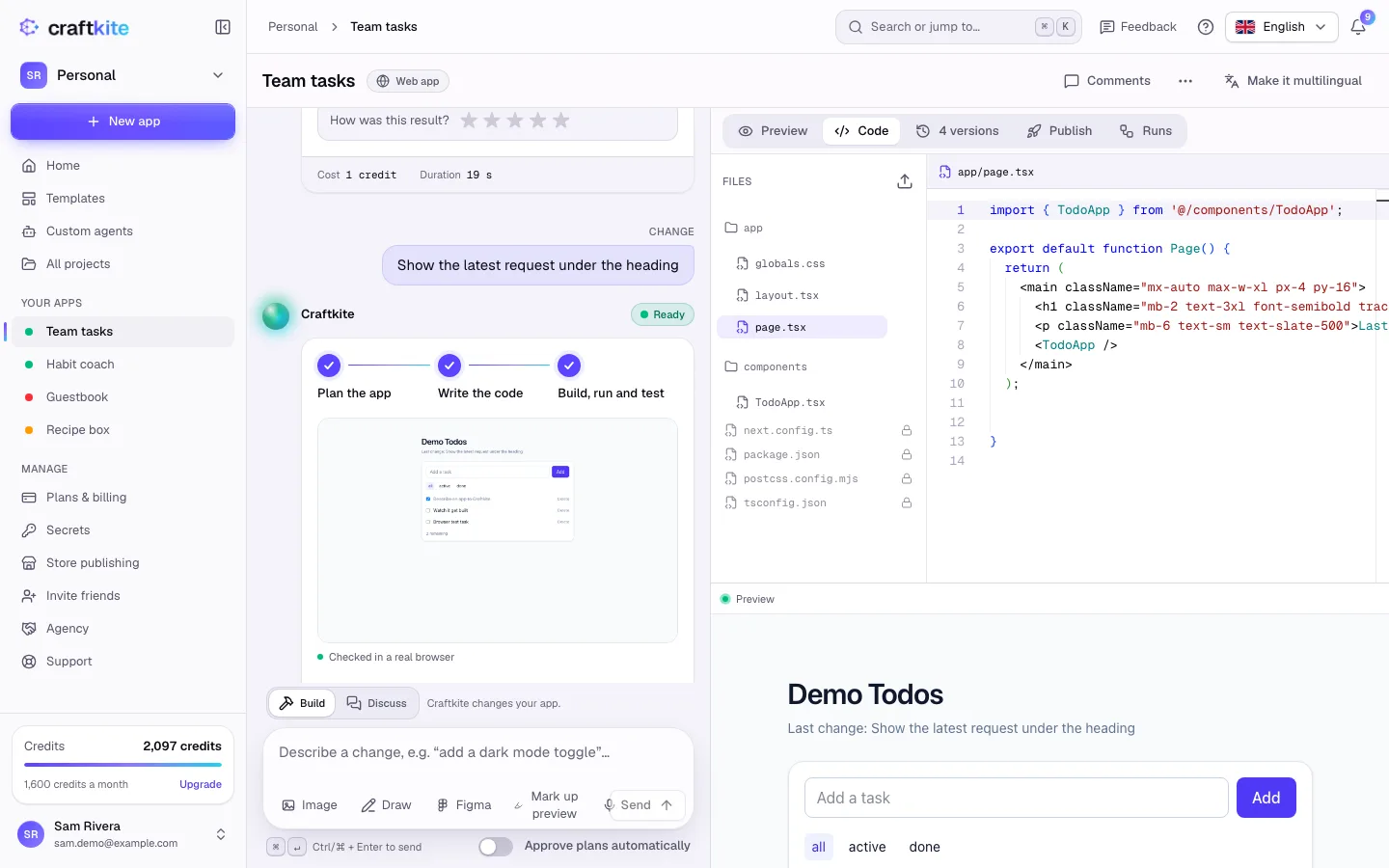
When you and your collaborators open the same project in the Code tab, you edit together: everyone sees each other's typing as it happens, with a coloured cursor and selection for each person.
Who can do what
- Owners, admins, editors and editor collaborators type in the files.
- Viewers watch the changes live and show their cursor, but the files stay read-only for them.
- The header of the editor shows who else is in the file and how many people are in other files.
Your changes reach the live preview a moment after you stop typing. Save version keeps everything typed so far as a version.
While Craftkite is working
You don't have to stop. While Craftkite builds a change, keep typing: your edits are kept. When it finishes:
- if it changed other lines, both sets of changes are combined automatically;
- if it changed the same lines you did, the file takes Craftkite's version (what the app now runs) and the editor offers Restore my edits to bring your text back.
Good to know
- Images, fonts and other binary files are not edited as text.
- If the connection drops, the editor says Reconnecting… and sends your changes once it is back.
- On the mobile app, the project's comments show who is editing code right now.