
Comment on the app preview
Pin comments to any part of your running app, discuss them with your team and send them to Craftkite as changes.
Updated November 21, 2026
In the studio you can pin a comment to any element of your running app — a button, a heading, a picture — or to a point on the page. Everyone on the project sees the pins, can reply, mention people and resolve the thread.
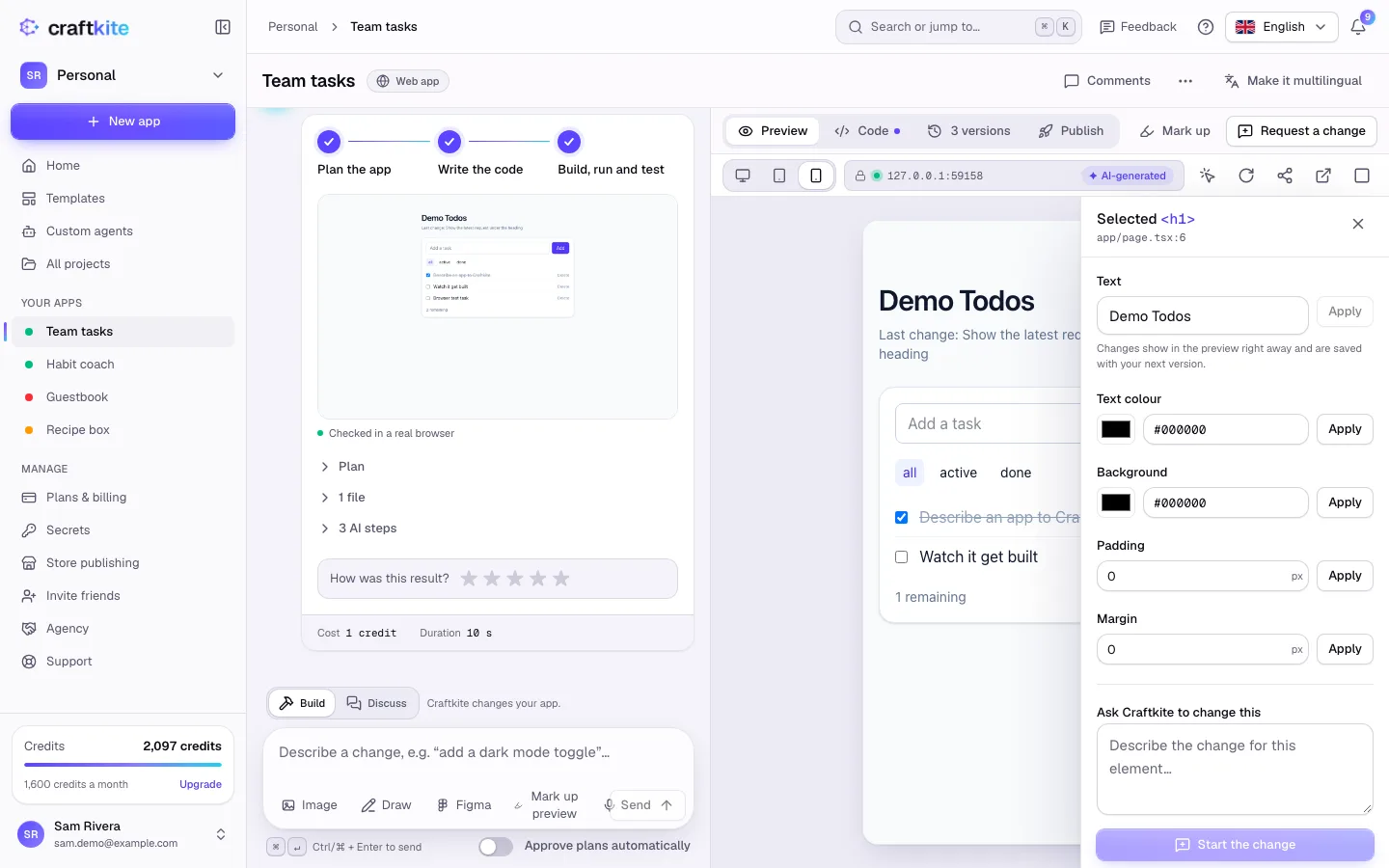
Pin a comment
- Open the Preview tab and click Comment on the preview (the speech bubble with a plus) in its toolbar.
- Click the part of the app the comment is about. Esc cancels.
- Write your comment in the panel that opens; type @ to mention someone. Click Comment.
Each open thread shows as a numbered pin on its page. Click a pin to open its thread. After the app is rebuilt, a pin follows its element; when the element is gone, the pin stays where it was, drawn with a dashed outline.
Threads, versions and resolving
- Comments in the project header lists every thread with the page and element it points to and the version it was written on. Filter by Version to see the comments of this version or of earlier ones.
- People who can build, and the thread's author, resolve or reopen a thread. A new reply reopens it.
- Mentions and replies arrive as notifications in the app, by push and by email.
Turn a comment into a change
Click Turn into a change on a thread. Craftkite receives the comment, its replies, the element it points to and a picture of that part of the app as a normal request — planned, quoted and charged like any message, on the project's credits. A thread is sent once and then shows Sent as a change.
Who can comment
Everyone who can see the project can read comments. People who can build always comment. Viewers (team viewers and collaborators who can view) comment too unless the owner turns off Viewers can comment in the Comments panel.
On the phone
The Craftkite app lists the same threads with their page, element and version: reply, mention, resolve, send a thread as a change, and tap a pin's place to open the preview at that page. Pins are placed in the studio on the web.