Links and web research
Give the agent a link to documentation or a site you like: it reads the page, uses it for the plan and the build, and shows you which pages it read.
Updated November 21, 2026
When you build or change an app, the agent can read web pages for you: documentation of a library or an API you want to use, or a site whose structure and content you like. Paste the link into your message, for example “use the endpoints from https://docs.example.com/api”, or simply ask; the agent can also look things up on its own when it needs current information.
How it works
- Links in your message are read before the agent plans: in a new app, a change, a Discuss question, on the web and in the mobile app.
- The agent may read more pages (and search the web) once per message when it needs to, within the per-task limits.
- What it read goes into the plan: the plan says briefly what it took from which site, and the build works from the same pages.
See what was read
- Send your message with the link.
- Open the task’s activity: each page shows as Read “title” on domain, and a search as Searched the web for “…”.
- In Discuss mode the pages are listed under the answer.
Safe by design
Only public pages are read: never addresses inside private networks, never pages that need a sign-in, and never pages whose site asks robots not to read them. Only the text is kept; scripts never run. Whatever a page says is treated as material, never as instructions, so a page cannot change what the agent does. Pages that break the content policy are left out. What was read stays with the task and is not added to the project memory.
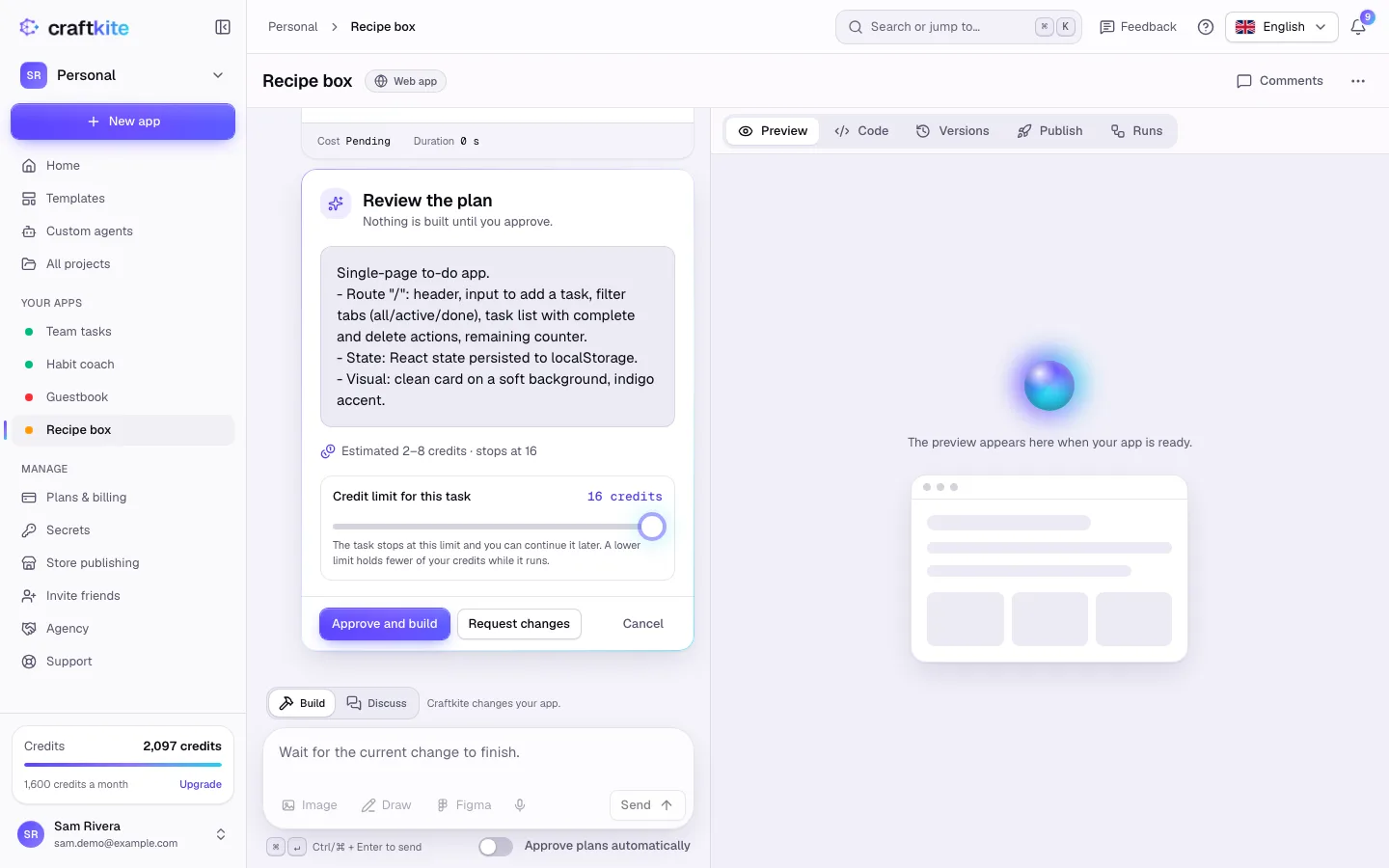
Reading pages costs nothing extra; the model work it takes is part of the task’s quote, as always. More about plans and quotes: Plan approval.